
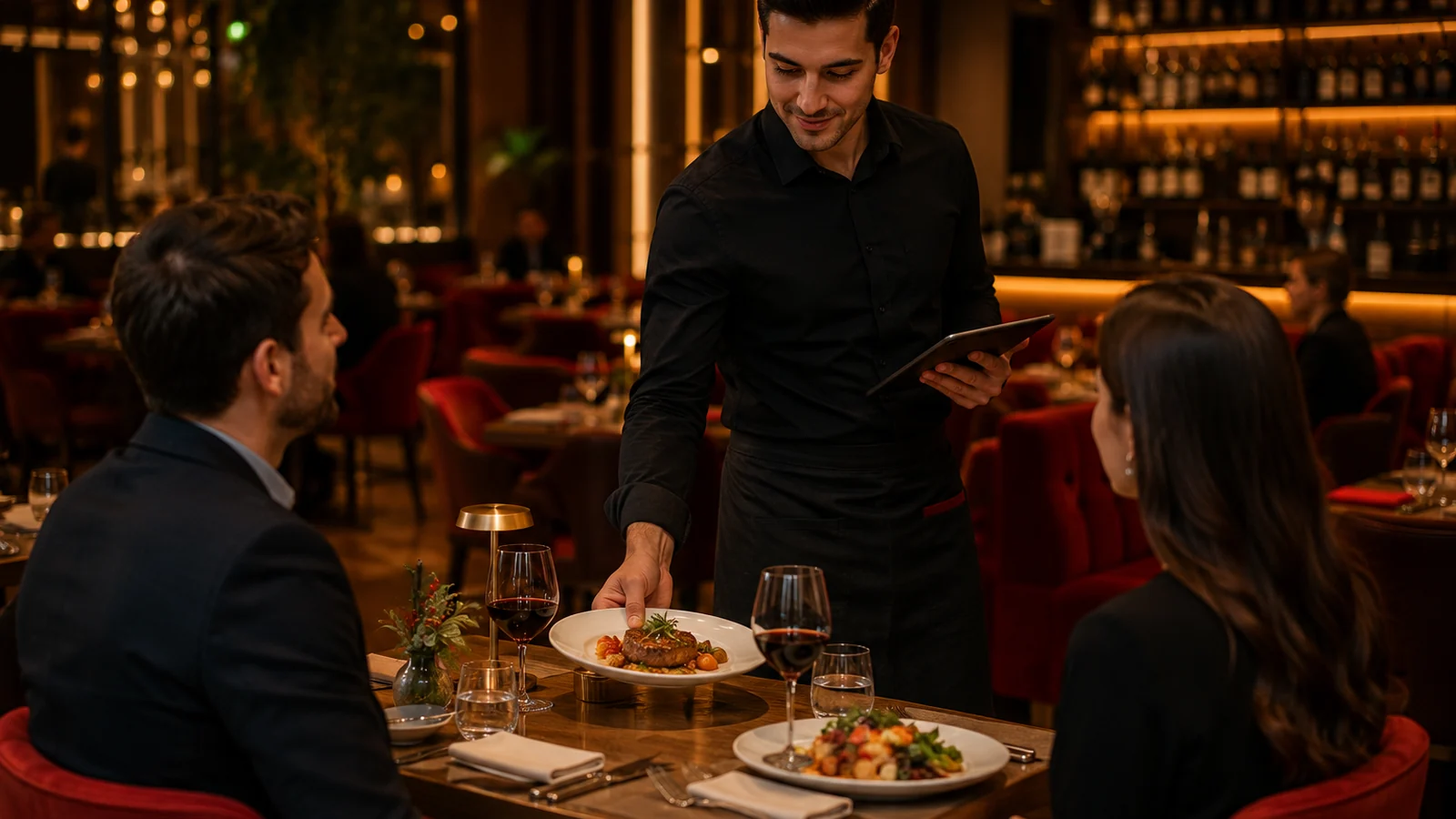
During a busy dinner service, a guest looks up to ask for the bill, an extra spoon, or a dessert, but catching a waiter's eye often takes a while. A waiter calling system closes exactly that gap: it is a physical-button or QR-code method that lets a guest signal the service team from the table with a single tap. In this guide we cover what a waiter calling system is, how a QR call from the table works step by step, how a physical button differs from a QR code, the effect on service speed and guest satisfaction, and how to use it correctly.
What is a waiter calling system?
A waiter calling system is a setup that lets a guest send an electronic notification from the table instead of physically tracking down a waiter for help. The call reaches a staff phone or management panel together with the table number, so there is no ambiguity about who needs help and at which table.
There are two main forms: a physical button mounted on the table, and a QR-based call the guest uses from their own phone. Both serve the same purpose but differ markedly in cost, flexibility, and maintenance. In modern restaurant software, waiter calling is usually bundled on the same screen as the QR menu and digital ordering, because the guest has already scanned the code.
How does calling a waiter via QR from the table work?
In a QR-based call, the guest scans the code on the table with the phone camera and taps the "Call waiter" option in the menu that opens in the browser. No app download is needed. In practice the flow runs through these steps:
- The guest scans the QR code on the table; the multilingual digital menu opens in the browser.
- They tap the "Call waiter" button and can optionally pick a reason such as "bill" or "water".
- The call instantly reaches the service team's phone or panel together with the table number.
- The waiter sees the notification, goes to the table, and closes the call by marking it resolved.
- If the guest prefers to add an order straight from the menu, the order goes to the kitchen instead of a call.
RoxPos's multilingual QR menu (TR/EN/DE/ES) presents this flow on the same screen as digital ordering and a satisfaction survey; with a single scan the guest can view the menu, call a waiter, and place an order.
Differences between a physical button and a QR call
Both methods have their place; the choice depends on the venue's table count, wireless infrastructure, and budget. The table below compares the two approaches on the key points.
| Criterion | Physical button | QR-based call |
|---|---|---|
| Setup | Device per table + receiver mount | QR code only, no hardware |
| Upfront cost | Per-table device cost | Included in software, no extra device |
| Maintenance | Battery swaps, fault tracking | Server-side, no table upkeep |
| Call detail | Usually just "a call" | Reason + table + ordering option |
| Extra function | None | Menu, ordering, survey on one screen |
A physical button is an advantage for guests without a phone or who prefer not to use one, and it works independently of the internet. A QR call removes hardware cost and battery upkeep, adds a reason and table info to the call, and brings functions like the digital menu and ordering into the same interface.
Effect on service speed and table turnover
A large share of service delay is the dead minutes a guest spends trying to make eye contact with a waiter. When the call reaches the team directly with the table number, the waiter knows exactly which table to go to, avoids needless loops, and covers more tables at once. The difference is felt especially at peak hours.
Faster service also improves table turnover: a table waiting to settle the bill clears sooner, and the next guest is seated earlier. Combining the call with an ordering flow makes it easy for guests to add extras like dessert or a second drink without waiting, which can lift the average check.
Contribution to guest satisfaction
One of the most frustrating guest experiences is raising a hand and waiting, or being unable to reach a waiter at all. Being able to call with one tap removes that helplessness; the guest feels in control. Adding a reason to the call also lets the waiter arrive prepared, bringing the bill or an extra set of cutlery directly.
In call systems tied to a QR menu, presenting the satisfaction survey on the same screen makes it easy to collect feedback at departure. In the RoxPos QR menu, the call, the multilingual menu, and the survey work together; in tourist areas a foreign guest can call in their own language, reducing the communication barrier.
Correct use and common mistakes
A waiter calling system can backfire when its rules are unclear. The points below form the basis of getting real value from it:
- Calls must always have an assigned staffer; unowned notifications piling up on screen erode trust in the system.
- Closing calls must become routine; if a resolved call is not marked, it becomes unclear which table is still waiting.
- The QR code must be visible and clean on the table; a worn or hidden code will not scan.
- At peak hours notifications should not pile on one device; calls should be distributed by zone or waiter.
- It must be clear to guests that a call does not mean placing an order; on the menu, calling and ordering should stay separate and obvious.
In RoxPos, call notifications work alongside zone and table management, so specific areas can be assigned to specific waiters; menu- and action-based permissions can also define which staff see calls. This keeps call traffic under control in large halls.
Which businesses is it right for?
A waiter calling system suits table-service venues of any size, but the payoff varies by scenario. In cafes with large gardens and multi-floor restaurants, where it is hard for a waiter to see a table, the call makes a direct difference. In beer gardens and shisha cafes where guests linger, the need for repeat calls is high.
By contrast, in small single-room venues where the waiter sees every table, investing in physical buttons can be unnecessary; here a QR-based call makes more sense since it needs no extra hardware. For venues in tourist areas, a multilingual QR call is especially valuable because it bridges the language barrier.
Waiter call with RoxPos
With RoxPos the customer calls the waiter with a single tap from the QR menu at the table; the call, together with the table number, instantly reaches the waiter's phone and the management panel. You use the waiter call system alongside the multilingual QR menu, digital ordering and satisfaction survey, and speed up your service. You can try the live demo right away.