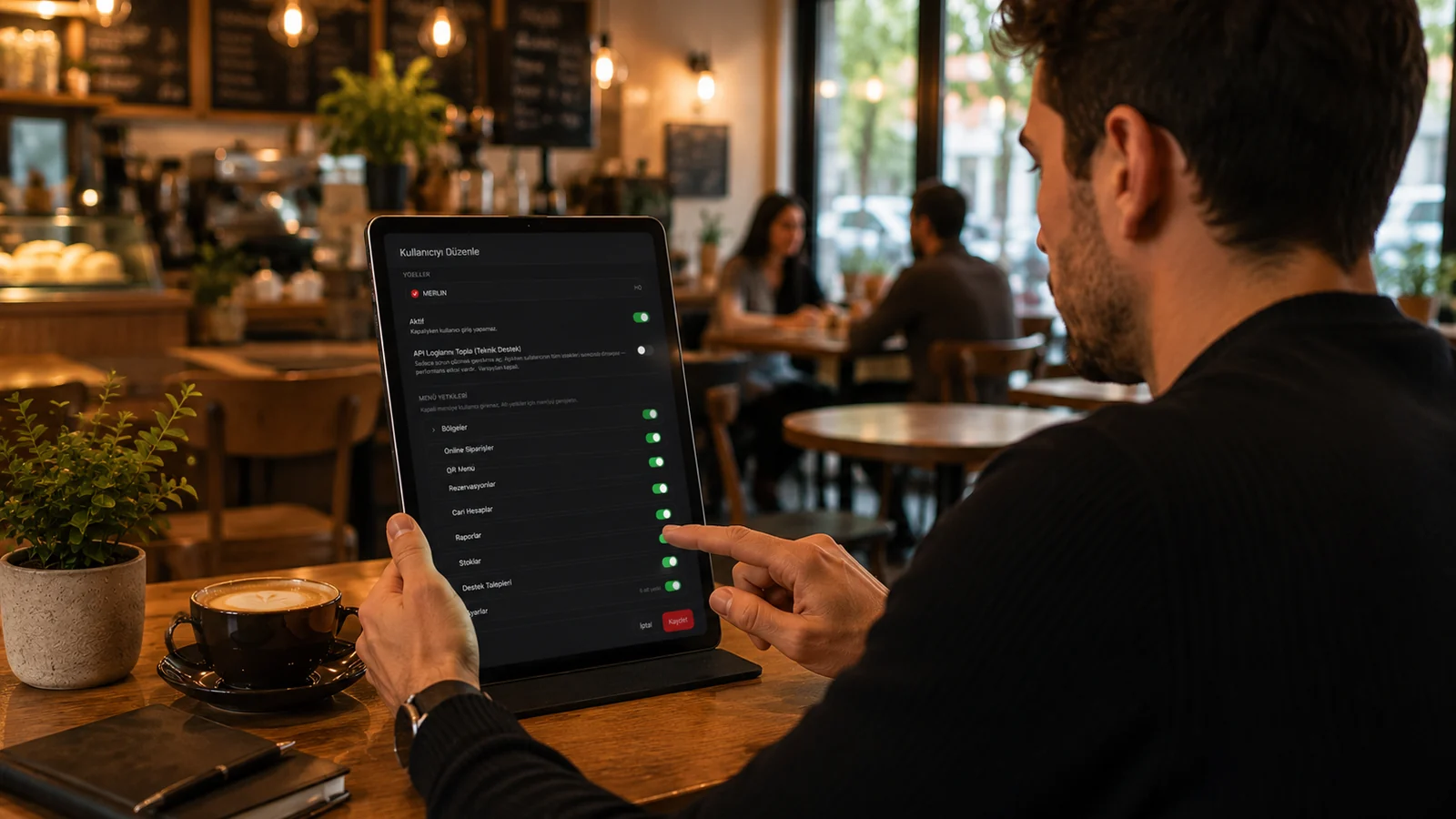
Role-based access — a separate level for each job.
In RoxPos you define a separate role for each staff group and decide, item by item, which menus and which actions that role can reach. Waiter, cashier, kitchen and manager profiles work with different screens and different permission sets, so everyone sees only the part of the system their job requires. When you add a new employee you simply assign the right role instead of configuring each permission one by one.
Order sub-rights: cancel, discount, comp, move, lock, payment.
Sensitive actions on an order are authorized individually: you can independently turn on or off order cancellation, applying discounts, adding comps, moving tables, locking the check and taking payment. This lets you give a waiter the right to take orders and collect payment while keeping discounts and cancellations off, distributing responsibility at the action level. Thanks to this separation, permission becomes a fine-grained control tool tuned to your workflow rather than a single all-or-nothing switch.
Branch-level rights — a user sees only their assigned branch.
In multi-branch and chain businesses you tie each user to a specific branch, and that person sees only the tables, orders and data of the branch they are assigned to. Other branches' turnover, stock and checks stay completely hidden from that user, so data never mixes between locations. Head office, on the other hand, keeps seeing all branches from a single panel and can compare them against each other.
Operation safety — critical actions are off for unauthorized staff.
Abuse-prone actions such as order cancellation, discounts, comps and check locking stay unclickable for staff who lack the permission, so accidental or deliberate interference is blocked at the source. Because employees can only perform the operations defined for them, it is clear from the outset who can do what on register and check movements. This setup reduces the margin for error and makes each role's reachable actions visible from a single screen.