Splitting kitchen and bar orders onto separate tickets
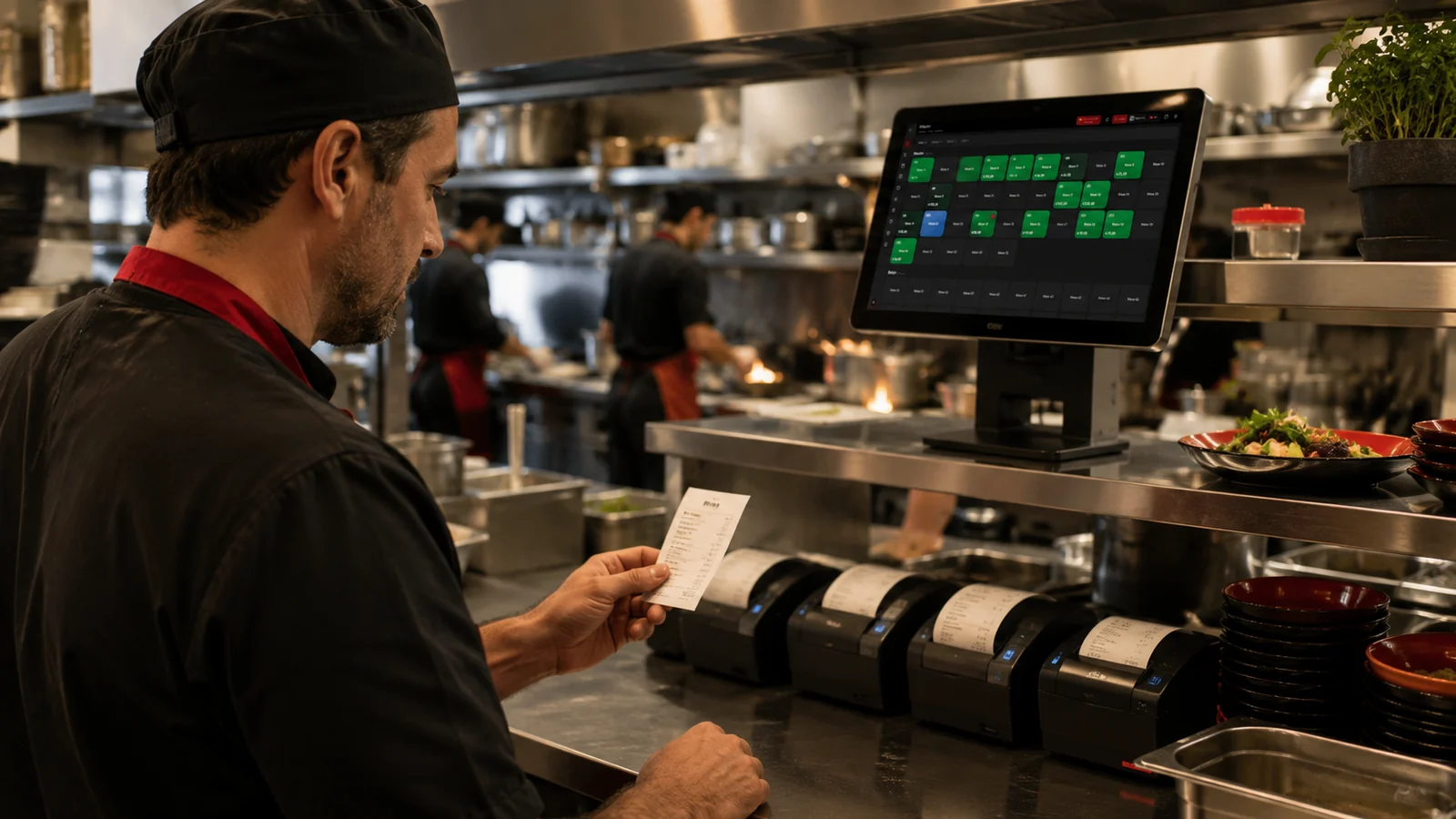
When a table orders both food and drinks, RoxPos sends the drinks to the bar printer and the food to the kitchen printer as separate tickets. The waiter only needs to take everything in one pass; the system splits the items automatically based on category mapping. This way the bar and the kitchen each focus on their own order without interfering with the other, and confusion is avoided.
Each station seeing its own order in a multi-station kitchen
In a kitchen with several stations such as grill, cold kitchen and dessert, each section is assigned its own printer, and when an order is sent each station receives a ticket containing only its items. The grill chef sees only the grill order while the dessert section sees only desserts. Thanks to this separation, each station runs its own workflow independently and never has to hunt for its items on a long ticket.
Routing orders to a backup printer when one fails
When the printer at a preparation point fails, you can reassign that category's routing to another printer in the settings so orders keep printing. If the kitchen printer goes down, you temporarily route its items to the bar or cashier printer and continue service without disruption. This way a single device failure does not leave the kitchen blind, and orders keep flowing without having to track them by hand on paper.
Printing the receipt and kitchen order separately from one sale
From a single sale, the preparation order can be printed on the kitchen printer and the customer receipt on the cashier printer separately. The kitchen ticket lists the items to be prepared while the cashier receipt carries the total and payment details, so the two documents never get mixed up. This separation ensures, within the same transaction, that the kitchen receives the correct preparation information and the customer is handed a proper receipt.