What is the difference between List Mode and Instant Mode?
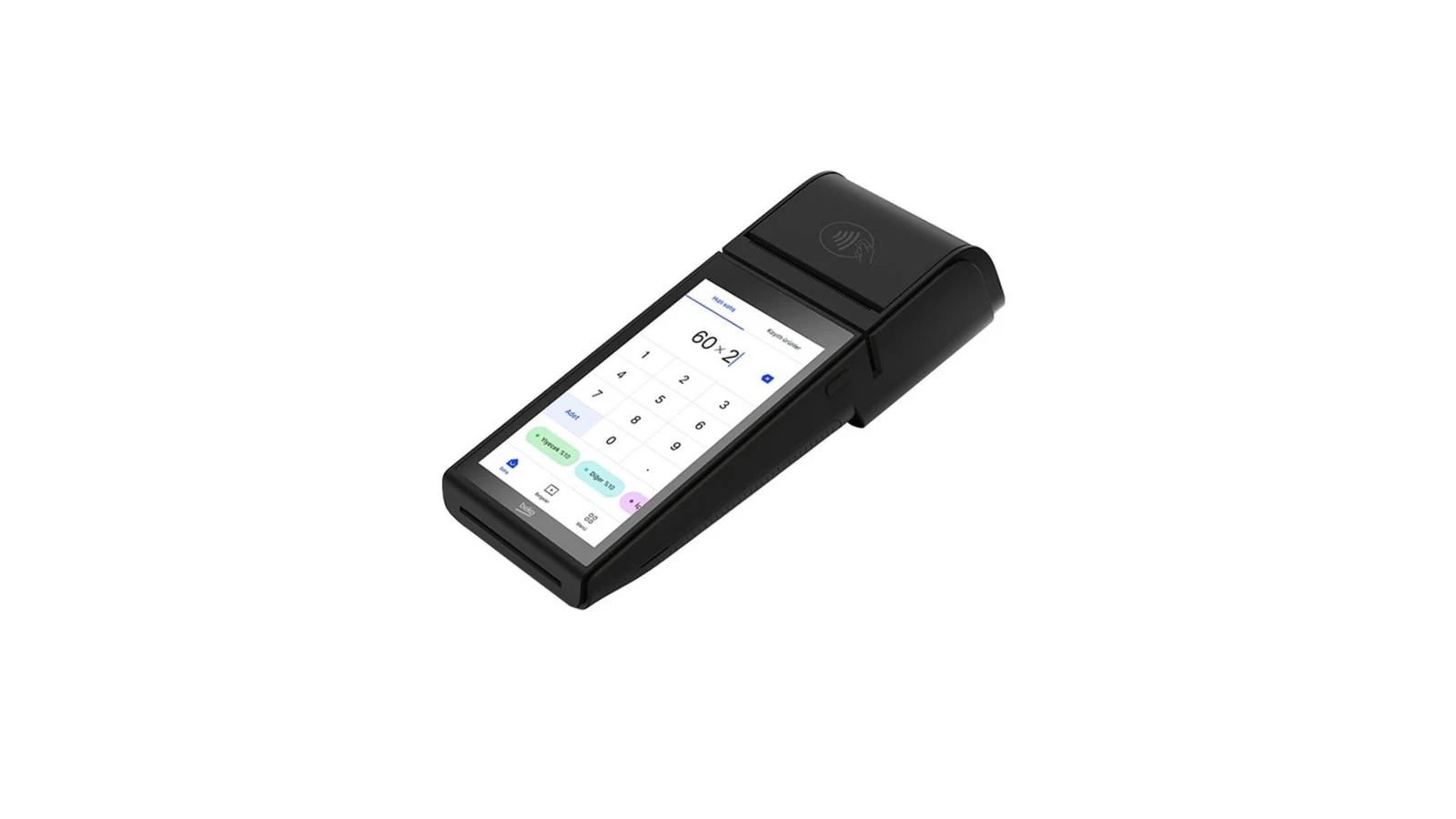
In List Mode the sent basket waits in the device's basket list; the cashier picks it in turn and chooses the payment type on the device — the standard for restaurants. In Instant Mode the basket lands straight on the payment screen; the payment type is chosen in RoxPos (you can make it required) and collection starts immediately — suited to retail and self-service. The device runs in one mode at a time; the mode is chosen in Settings > POS Integration.
Which mode should I choose?
Businesses with table service that collect at the register in turn choose List Mode; markets, kiosks, self-service and fast-food outlets that take payment instantly at the register choose Instant Mode.
How does a payment taken on the device reach RoxPos?
When the device completes collection it notifies RoxPos; cash, card and meal-card payments are mapped to RoxPos payment types by their fiscal codes and posted to the check as separate lines. A basket cancelled on the device is reverted in RoxPos automatically.
Is choosing the payment type in RoxPos mandatory?
Not in List Mode; the cashier picks it on the device. In Instant Mode it is required by default; if you switch off 'Payment type required' in Settings > POS Integration, the basket is sent without a type and the cashier picks it on the device.
Is an additional device required for the Beko integration?
Your existing Beko device is enough. RoxPos runs in the cloud; the activation steps are completed together with our support team.
Are collections reflected in the reports?
Yes. Payment and collection records are reflected in the reports by channel; you see turnover and payment breakdown from a single panel.
Can I use it in multiple branches?
Yes. You can define a separate device for each branch, manage all branches from a single account and get comparative reports.