Integration Details

Staff Scheduling and Attendance
Shift plans, working hours and QR check-in in one place

Plan staff shifts, track working hours and overtime on the timesheet; the team checks in by scanning a single QR at the door. Public holidays are applied automatically by country.
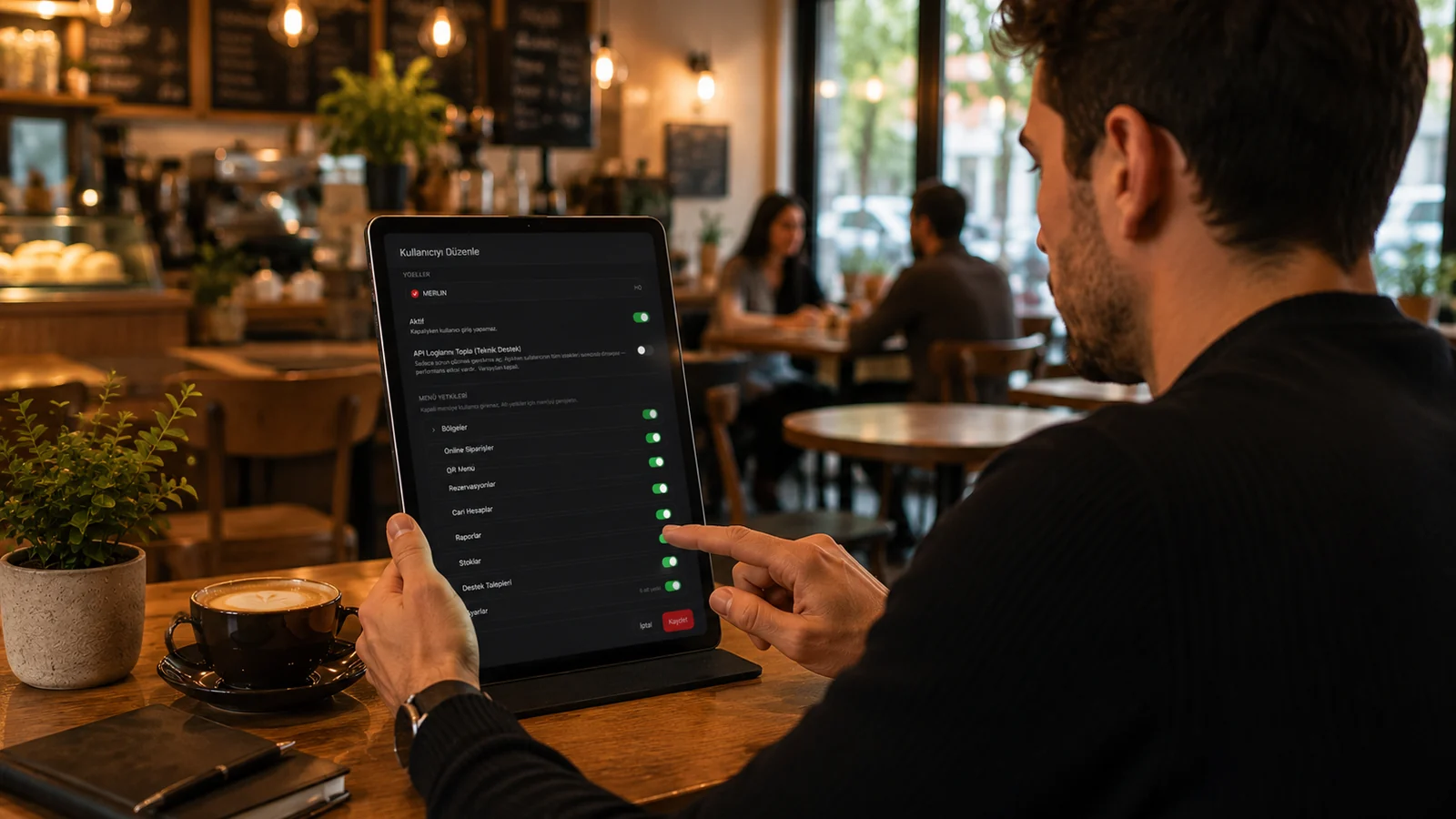
Staff Scheduling and Attendance

Key Highlights

Shift plan — daily and hourly shifts; staff come from your existing users, no second record needed.

Timesheet and overtime — clock-in/out times, hours worked and overtime are calculated by the country rule set (Türkiye, Ireland, USA).

QR check-in — a single QR posted at the venue is scanned; scans land on the timesheet as suggestions that the manager confirms or completes by hand.

Attendance report — who came when and how many hours they worked; public holidays are applied automatically by country.

What Does This Integration Deliver?

Sharing the weekly shift plan with the team from one screen

Calculating overtime and holiday work correctly

Replacing the paper sign-in sheet with QR check-in and check-out

Getting the monthly attendance report in one click

Related Solutions

Frequently Asked Questions

Do I need to define staff separately?

No. Staff are your existing RoxPos users; shifts and timesheets attach to those users, and no second record is kept.

How does QR check-in work?

A single QR is generated for the venue and posted at the entrance. Staff scan it with their phone; the scan time lands on the timesheet as a suggestion. Managers can make check-in mandatory and fill in gaps by hand.

How are overtime and holidays calculated?

Ready-made rule sets exist per country (Türkiye, Ireland, USA); public holidays are pulled automatically and overtime is calculated by those rules.

Who can see this module?

The Staff module is permission-based; it is off by default and appears only in the menu of managers who have been granted access.