Integration Details

Kitchen Display System (KDS)
Orders reach the kitchen instantly, paper-free

Orders from tables, the QR menu and online channels appear on the kitchen screen instantly; each item is marked preparing/ready and new orders trigger a sound alert.
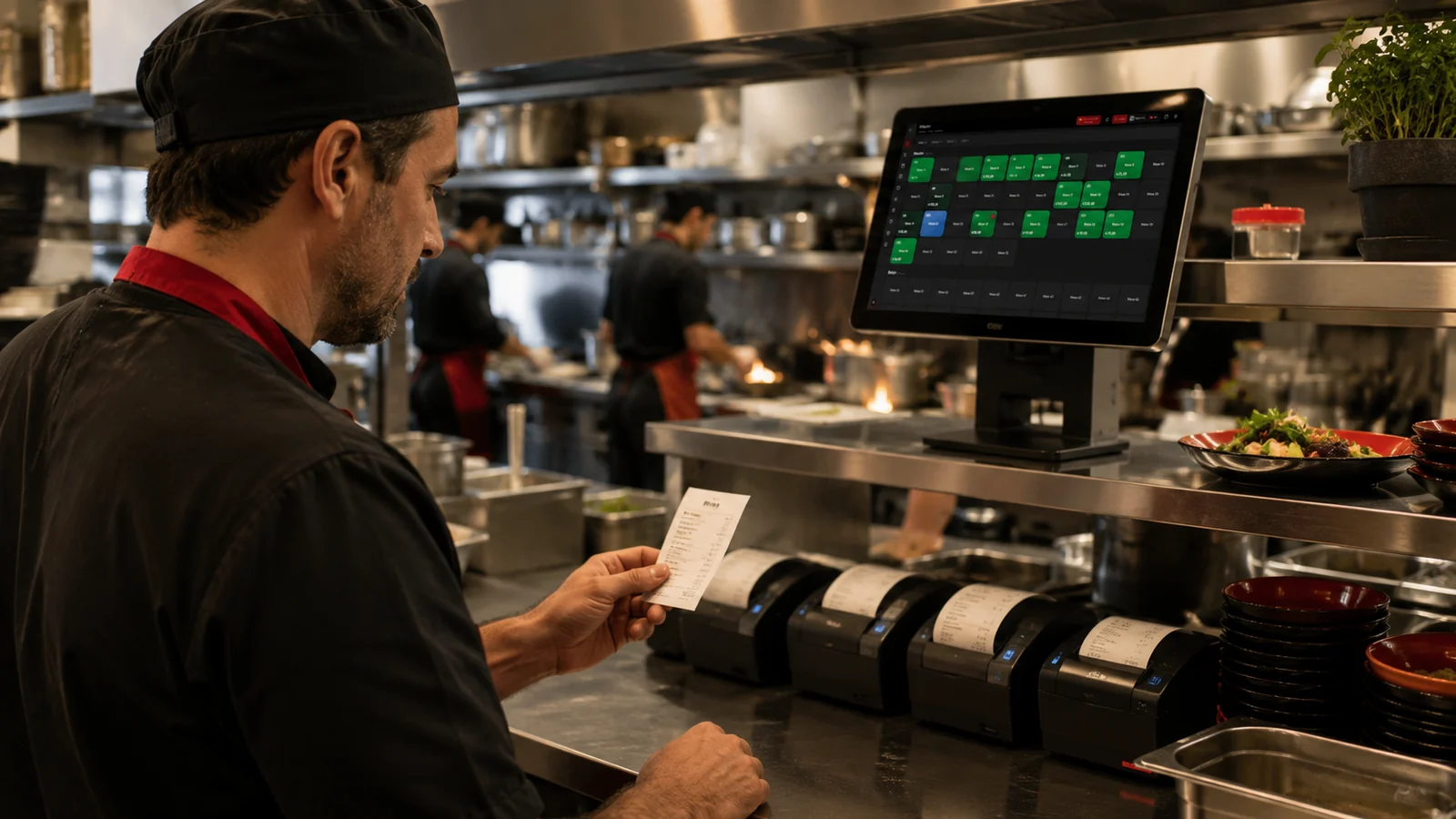
Kitchen Display System (KDS)

Key Highlights

All channels on one screen — table, QR and online orders land in the same list.

Item-level status — every product is marked preparing / ready on its own; nothing is missed at service.

Sound alert on new orders — nothing slips by in a busy kitchen; the sound is set from the Kitchen Display.

Works on tablet and the web panel — column layout on a landscape tablet; opened only to kitchen staff by permission.

What Does This Integration Deliver?

Removing paper tickets and the cost of a kitchen printer

Seeing how long each order has been waiting at peak hours

Preparing online and table orders in a single queue

Marking finished items and moving to the next order

Related Solutions

Frequently Asked Questions

Do I need a separate device for the kitchen display?

No. The Kitchen Display is a menu inside the RoxPos web panel and mobile app; it opens on any tablet, computer or phone you place in the kitchen. No separate hardware or software is installed.

Can it be used together with a kitchen printer?

Yes. The Kitchen Display works alongside a printer or instead of it; orders still route to printers by category while the screen shows preparation status.

How do orders reach the screen?

Table orders entered by waiters, orders from the QR menu and confirmed online orders are added to the kitchen list automatically; a sound alert plays when a new order arrives.

Who can see the kitchen display?

The Kitchen Display is permission-based; it is off by default and appears only in the menu of users who have been granted access.