What is the difference between PC Link and Cloud Link?
With PC Link the register (the print agent in the web panel, the phone in the mobile app) connects to the device over the local network; because RoxPos drives the document and the payment, the payment type is chosen at send time and collection starts immediately. With Cloud Link the device pulls the order list from the RoxPos cloud itself; being on the same network is not required, several tables wait in the list, the cashier picks the payment type on the device and the result is reported back to RoxPos automatically.
Which one should I choose?
If the register and the device are on the same local network and you want the fastest collection, PC Link; if the register is elsewhere, you want no network setup, and you will queue several tables and collect on the device, Cloud Link. The connection type is chosen in Settings > POS Integration; the TSM Gateway option is being prepared on Hugin's side.
Is the payment type chosen on the device or in RoxPos?
With PC Link it is chosen in RoxPos and is required; it must be a type linked to the fiscal device. With Cloud Link the order goes without a type, the cashier picks it on the device, and at closing the type taken by the device is written to RoxPos.
How are discount and VAT sent in the document?
Items are sent line by line with their VAT rates (0%, 1%, 10%, 20%); a check discount is distributed proportionally across the lines, so the VAT breakdown matches the document exactly for meal-card payments. Complimentary and zero-amount items are not included in the document.
Is an additional device required for the Hugin integration?
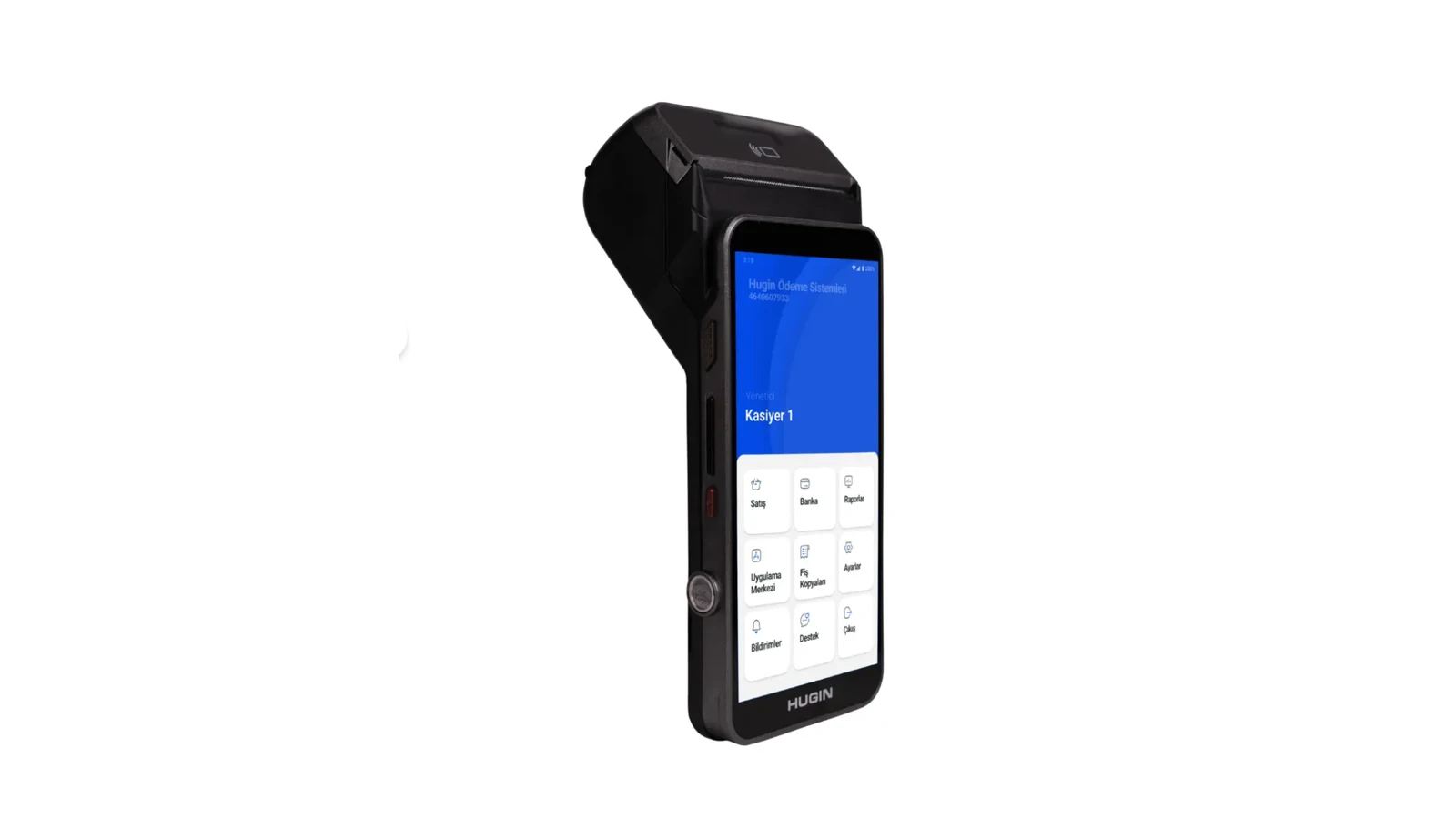
Your existing Hugin device is enough. RoxPos runs in the cloud; the activation steps are completed together with our support team.
Are collections reflected in the reports?
Yes. Payment and collection records are reflected in the reports by channel; you see turnover and payment breakdown from a single panel.
Can I use it in multiple branches?
Yes. You can define a separate device for each branch, manage all branches from a single account and get comparative reports.