Support · Other

Scale & Weighing Integration Setup

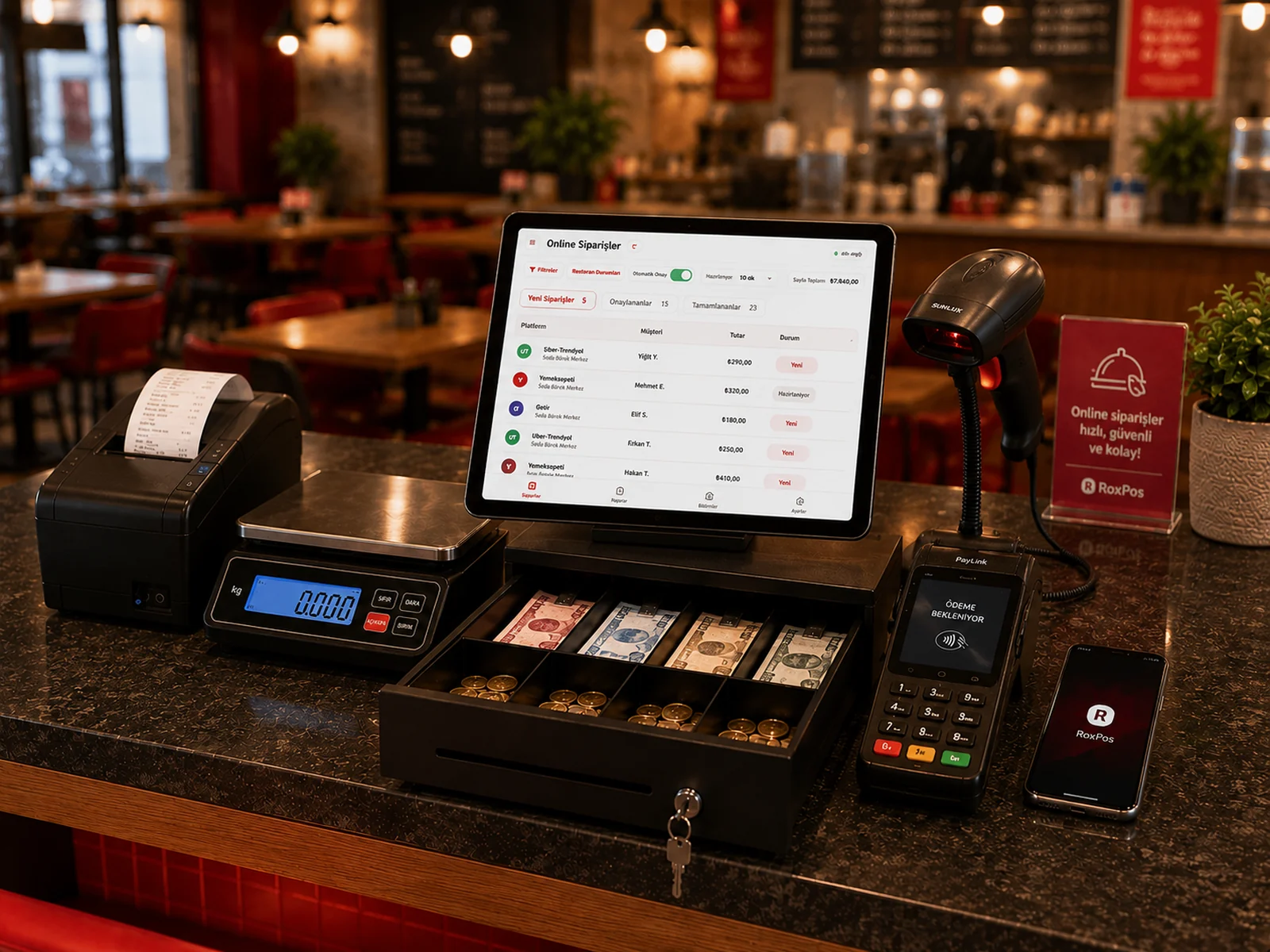
With the scale integration, the weight of the weighed product is transferred to RoxPos automatically and the price is calculated instantly. Ideal for grocery, nuts and delicatessen shops.

Scale & Weighing Integration Setup

Setup Steps

1. Connect the Scale

  • Connect the compatible scale to the counter PC where the Print Agent is installed (serial or USB-to-serial port), or to the local network.
  • Verify that the scale can send the weight reading.

2. Define It in the RoxPos Panel

  • Turn on Scale integration under Settings > General Settings > Hardware and peripherals.
  • In Scale port, enter the serial port (Windows: COM3, Mac/Linux: /dev/ttyUSB0) or ip:port for a network scale and save; set the unit of weighed products to Kg, Gram or L.

3. Test

  • Select a weighed product: the weight is read from the scale automatically (the "Weigh" button reads it again) and the amount is calculated from the unit price. You can also try the scale on the Settings > Device Connection Test screen.

Why Use It?

Frequently Asked Questions

Which scales are supported?

Scales that support the common serial/USB protocol can be integrated. Our support team will confirm compatibility for your model.

Can weighed and unit products be sold together?

Yes. You can define products as sold by the piece or by weight (Kg, Gram, L) and sell them on the same check.