
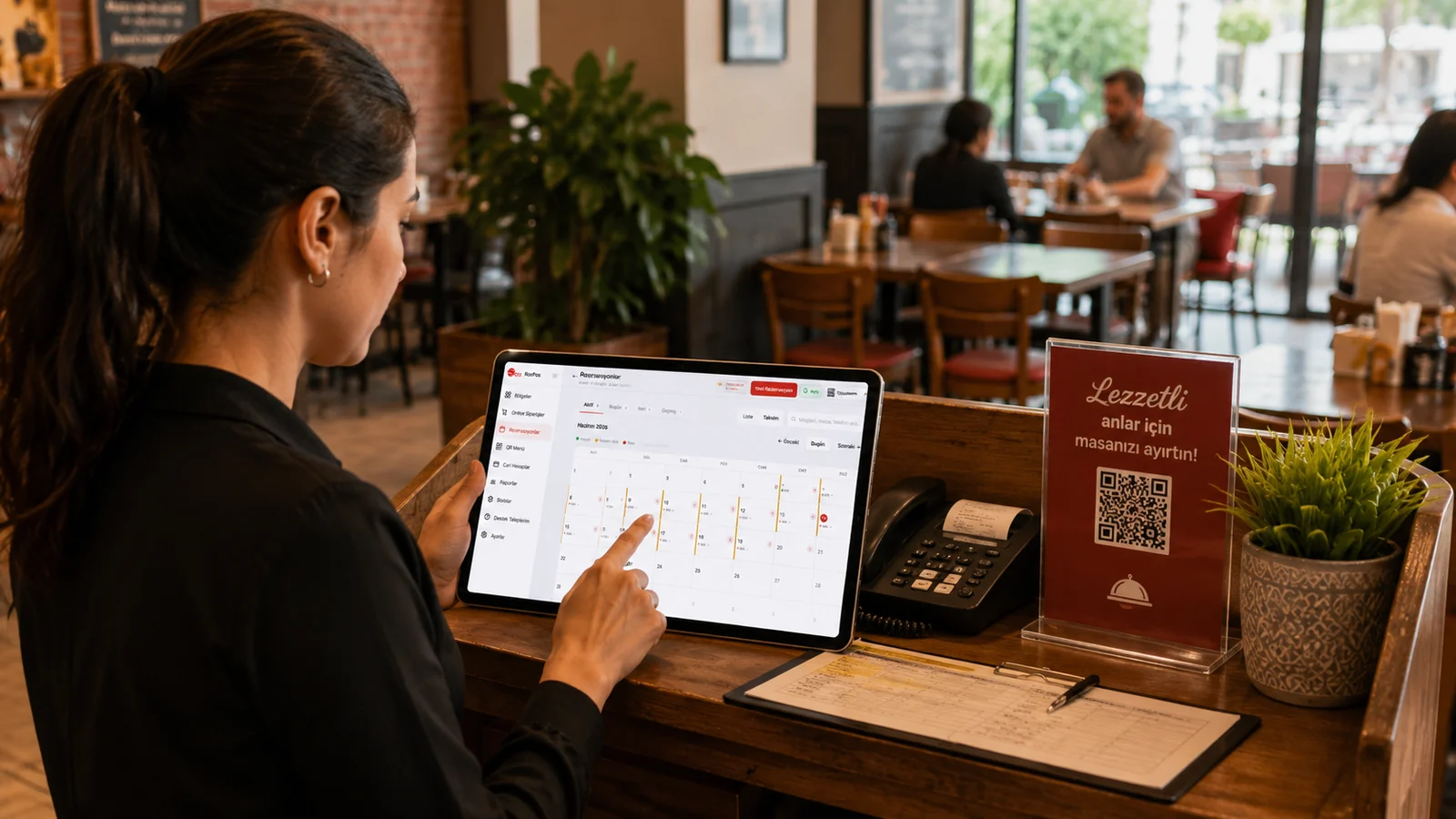
A restaurant books a table for two hours and a boutique hotel books a room for three nights; a beach venue lets a sunbed for the day and an event space for an evening. The same word, reservation, means different units of time, and the wrong model leads either to double bookings or to empty places. In RoxPos the first choice on the reservation form settles this: Hourly or Daily.
Hourly reservations: the restaurant and café pattern
In the hourly model you choose a date, a start time and an end time, and the guest's full name is enough. A single booking covers at most 24 hours. That simplicity matters when taking bookings by phone: enter the place, the time range and the name, and you are done. The same table can take several bookings on the same day as long as the times do not overlap.
Daily reservations: hotels, guesthouses and rented places
In the daily model you choose check-in and check-out dates, and the times come from the accommodation check-in and check-out times under Reservations › Settings. You enter the number of guests and can keep a full name, phone number, ID number, plate number, gender and note for each guest. The same form holds the deposit amount, method and status (none, deposit, partial, paid in full) plus optional invoice details, which can be picked from your customer accounts.
Choosing a place and checking for overlaps
Every reservation is linked to a place. Places are the tables in your table plan, grouped by area, so anything you have set up as a table, room or sunbed can be chosen. You can exclude an area from reservations in its area settings. A second booking whose times overlap for the same place is not saved, and occupied places are disabled on the form; cancelled or checked-out bookings do not block a place.
Statuses, payments and room accounts
A reservation moves through Pending, Confirmed, Checked In, Checked Out and Cancelled, and changes are kept in its history. With 'Take Payment' a deposit or balance payment is recorded with the chosen payment type and included in collection totals in the reports. A check that a staying guest opened in the restaurant and has not yet paid can be moved onto the reservation with 'Transfer from Table', so it is settled together with the balance at check-out.
- Use the Today and Upcoming tabs in the reservation list to follow today's arrivals and future bookings separately; the calendar view shows which days are available, partly booked or full.
- Prepare seasonal differences in advance by defining per-place or per-person rates with date ranges under Rate Settings.
- Make sure a deposit you received is recorded as a payment so it appears in reports; the deposit field on the form does not count as a collection by itself.
With the right model, the reservation screen feeds both the table plan and the till. Read our guide on why a reservation system matters and visit the reservation system page.