
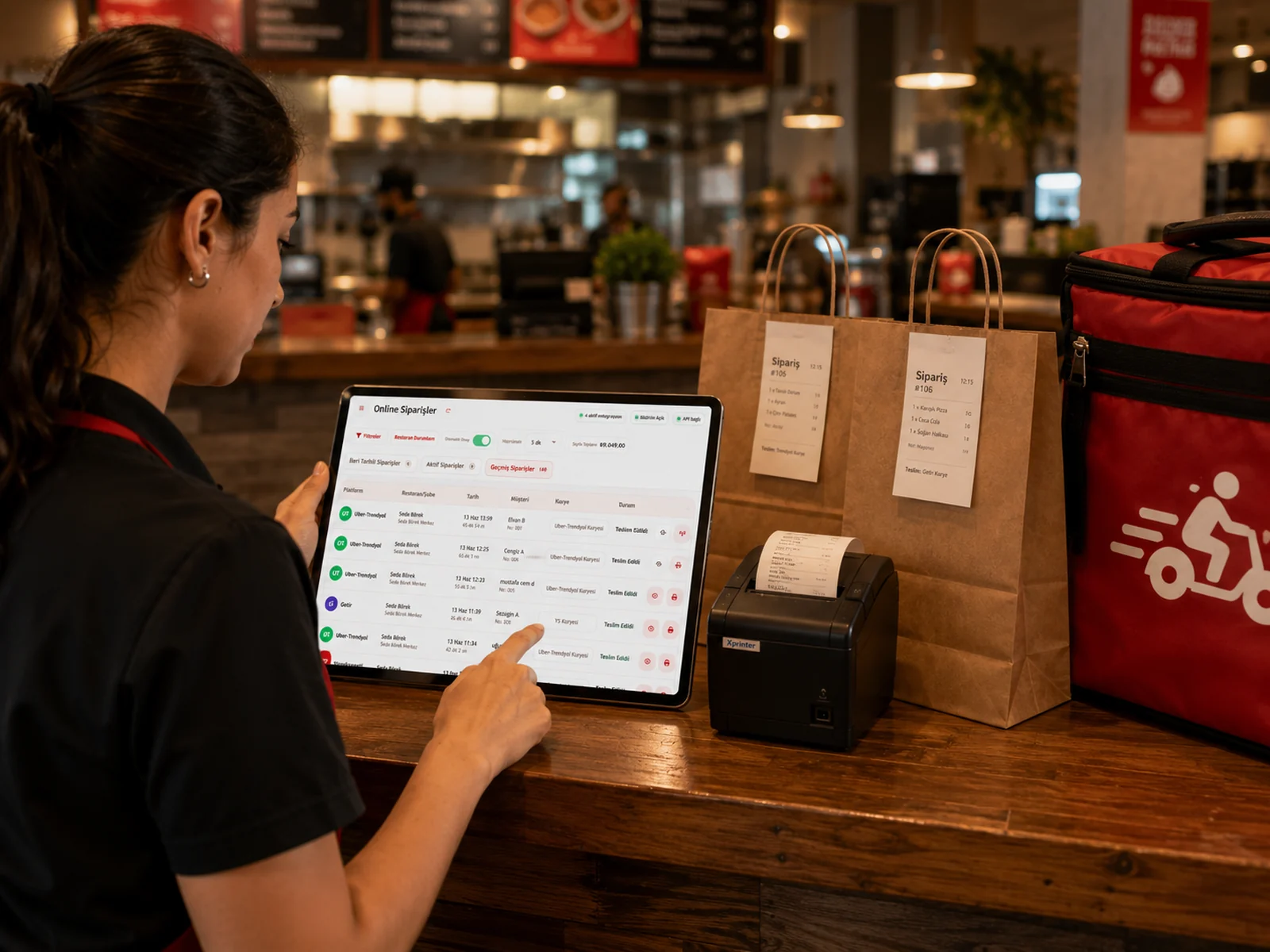
Even in a restaurant with a dining room, some sales never sit down at a table. Someone walks in for a takeaway bag; someone else calls and asks for delivery. If those sales are added to the floor plan as "Table 12", two problems follow: occupancy looks wrong and the bill does not say who it belongs to. The takeaway and phone service separates exactly this.
Turning it on: sales with their own section
When you enable the takeaway and phone service in general settings, a new section appears next to your tables on the POS screen. It is not part of your floor plan: records opened here do not change your table count, your occupancy or your table reports. With the setting off, nothing changes and the screen stays as before.
Two types: takeaway and delivery
- Takeaway: the customer collects the order. A name or a phone number is enough; no address is asked.
- Delivery (phone order): the order goes to an address. The address cannot be left empty, because the person carrying the order reads it.
- Both types work with the same bill logic: add items, send to the kitchen, take payment, print the receipt.
When are the customer details required?
You are asked for the customer when the record is opened, but it is optional: at a busy moment you can take the order first and fill in the details later. The requirement sits at the payment step. If no account is selected when you move to payment, the system stops you; for a delivery record it also asks for the address. That way no payment is collected for an order whose owner is unknown.
No second selection at the payment screen
If you entered the customer when opening the record, the payment screen already shows that account; you do not search for the same details twice. For sales that need invoice details the same record is used, and the customer sent to the fiscal device comes from here too. See our article on account tracking for details.
A separate line in reports: takeaway or delivery?
In the account and invoice report every line shows its sales type: dining room, takeaway or delivery. Questions like "how much does the takeaway business bring in" or "is the average basket for delivery higher than in the dining room" are answered from the report itself, with no separate ledger. We covered reading the daily close in the end-of-day report article.
An empty record opened by mistake
An empty record created by a mis-tap can be deleted as long as no item has been added. Once items are on it or a payment has been taken, the normal bill rules apply: cancelling needs permission and leaves a trace. The aim is to let a cashier clean up a slip easily without making sales history hand-editable.
The takeaway and phone service runs inside your existing flow, from kitchen tickets to the fiscal receipt: there is no separate module to learn. If you also want marketplace orders in one screen, our article on online order management covers that.