
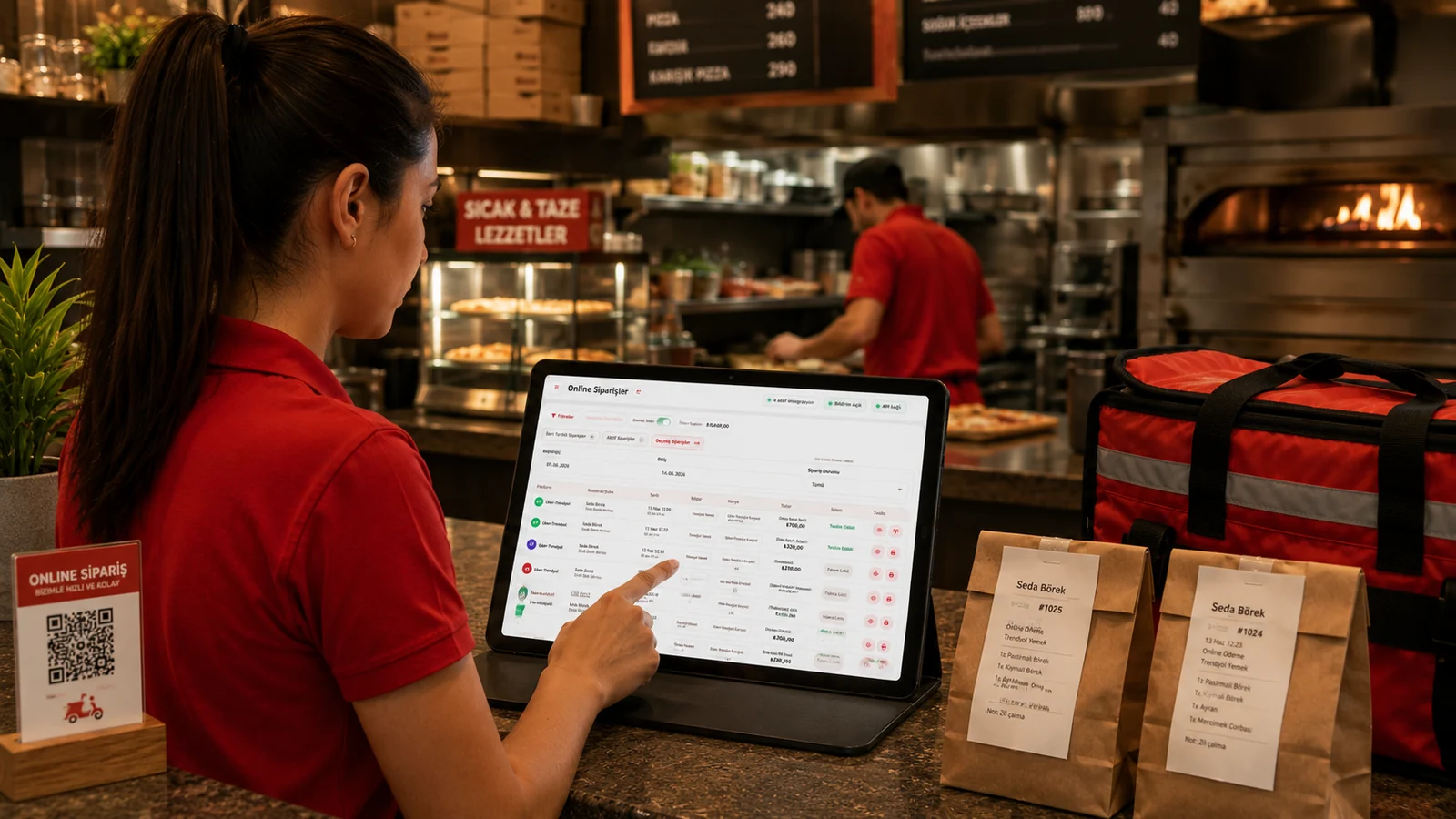
Seeing every order in a single list instead of watching four separate platform tablets is only the start. Real efficiency comes from knowing which stage each order is at, when scheduled orders will reach the kitchen and how to close the restaurant on the platforms when it gets busy. This article follows an online order through RoxPos; for automatic confirmation and fiscal receipts, see our online order automation guide.
Connection and product mapping
The Yemeksepeti, Getir, Uber Eats (Trendyol) and Migros Yemek integrations are added with their own credentials, and 'Verify' tests the connection. Then, on the Product Mapping screen, platform products are matched to RoxPos products for each integration. Mapping is the foundation that lets kitchen tickets, stock deduction and fiscal receipts work with the right products.
Order statuses: from confirmation to delivery
A new order is confirmed or rejected, then moves through prepared, ready and delivered, and can be cancelled when needed. How each step is passed to the platform depends on the platform and the courier type: on Uber Eats (Trendyol), for example, ready and delivered are sent to the platform only for orders handled by the restaurant's own courier. If the status in RoxPos and on the platform drift apart, 'Verify from Platform' syncs the order with its current platform status; if the platform keeps refusing a step, the order can be closed in RoxPos only.
Active, scheduled and past orders
The order list has three tabs: Active, Scheduled and Past, each showing its order count. Scheduled orders wait in their own tab and move to Active when their time comes. Because the Active tab shows orders from the last 24 hours, the screen is not cluttered with yesterday's leftovers in the morning.
Restaurant status: opening and timed closing on the platforms
When the kitchen cannot keep up or an item runs out, you can close the restaurant on all platforms from the Restaurant Status window and open it again later. Timed closing options differ by platform: 15, 30 or 45 minutes on Getir, 30, 60 or 120 minutes on Yemeksepeti, and 1 or 4 hours on Migros Yemek. On Getir the restaurant courier can also be switched on or off from the same window.
Notifications and platform reports
A new online order arrives as a push notification in the mobile app with the platform name and is announced with its own sound in the web panel. The Online Orders report shows order count, turnover, commission and net after commission, delivery and cancellation rates and average basket, plus daily and hourly distribution, breakdowns by platform, payment, status and region, and top-selling products. Putting the channels side by side in this report is the quickest way to see which platform really pays off.
- Enter the preparation time based on how long the kitchen really takes; the automatic prepared step runs when that time is up.
- On busy evenings, use timed closing in Restaurant Status instead of closing each platform one by one; it also reduces the risk of forgetting to reopen.
- Make sure no products are left unmapped; the automatic fiscal receipt skips orders that contain unmapped items.
Speed in online ordering starts with managing statuses properly. For the whole delivery operation, see our delivery management guide and the delivery management page.