1. Connect the Caller ID Device
- Connect your Caller ID device, compatible with the phone line, to the computer/network device at your business.
- Verify that the device can read the number information from the line.

Support · Other
With the Caller ID integration, your customer's number is recognized automatically on an incoming call; if they are a registered customer, their name and previous orders open on screen. Taking delivery orders gets faster.
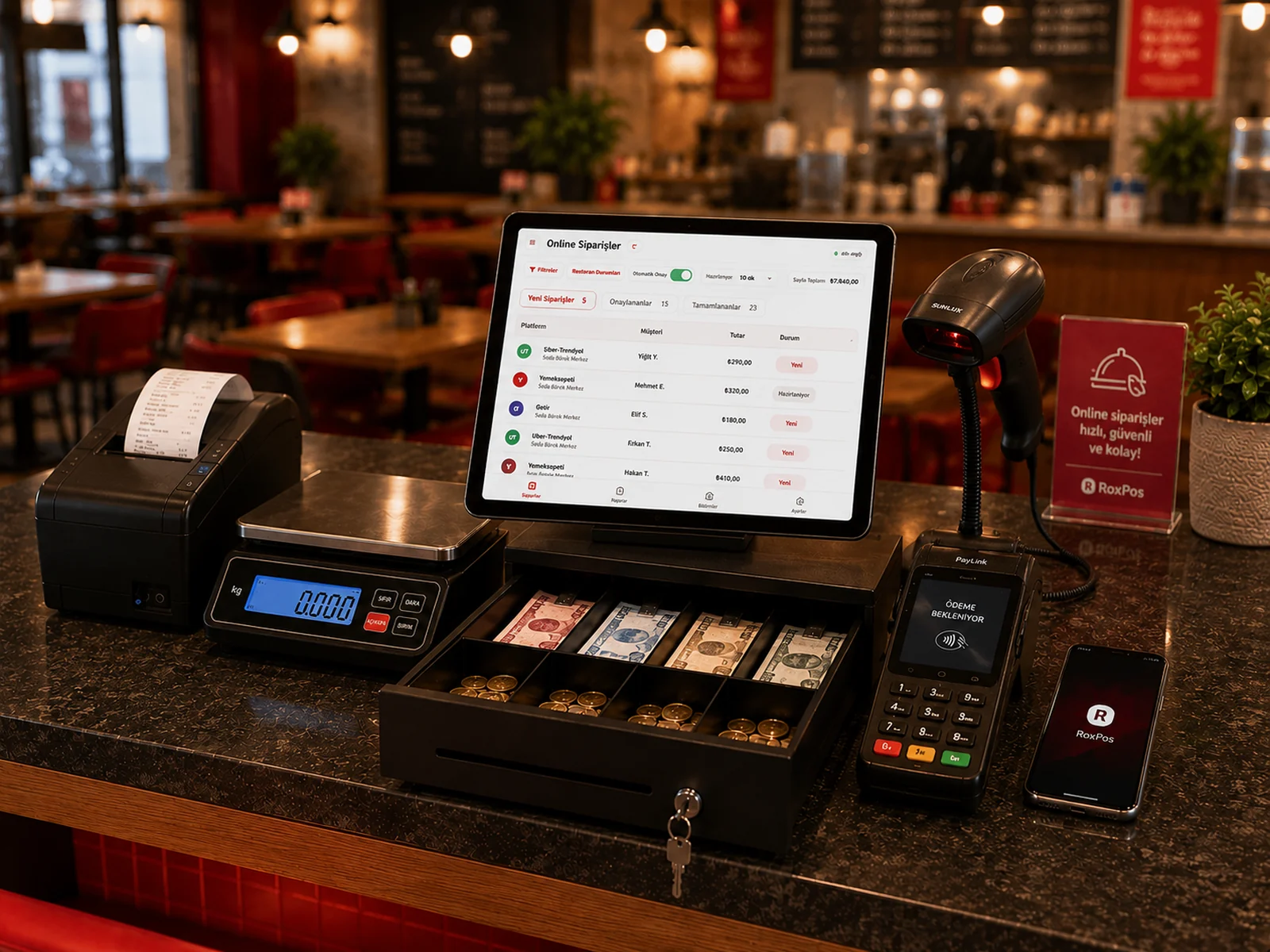
A Caller ID device compatible with your phone line is enough. Our support team will guide you on setup and compatibility.
The number appears on screen; if you wish, you can create a new customer record with a single tap.