1. Connect the Drawer
- Connect the cash drawer to the drawer (RJ11/kick-out) port of your receipt printer.
- Make sure the printer and the drawer work at the same till.

Support · Other
With the cash drawer integration, the drawer opens automatically when a cash payment is taken; cash register security and speed improve.
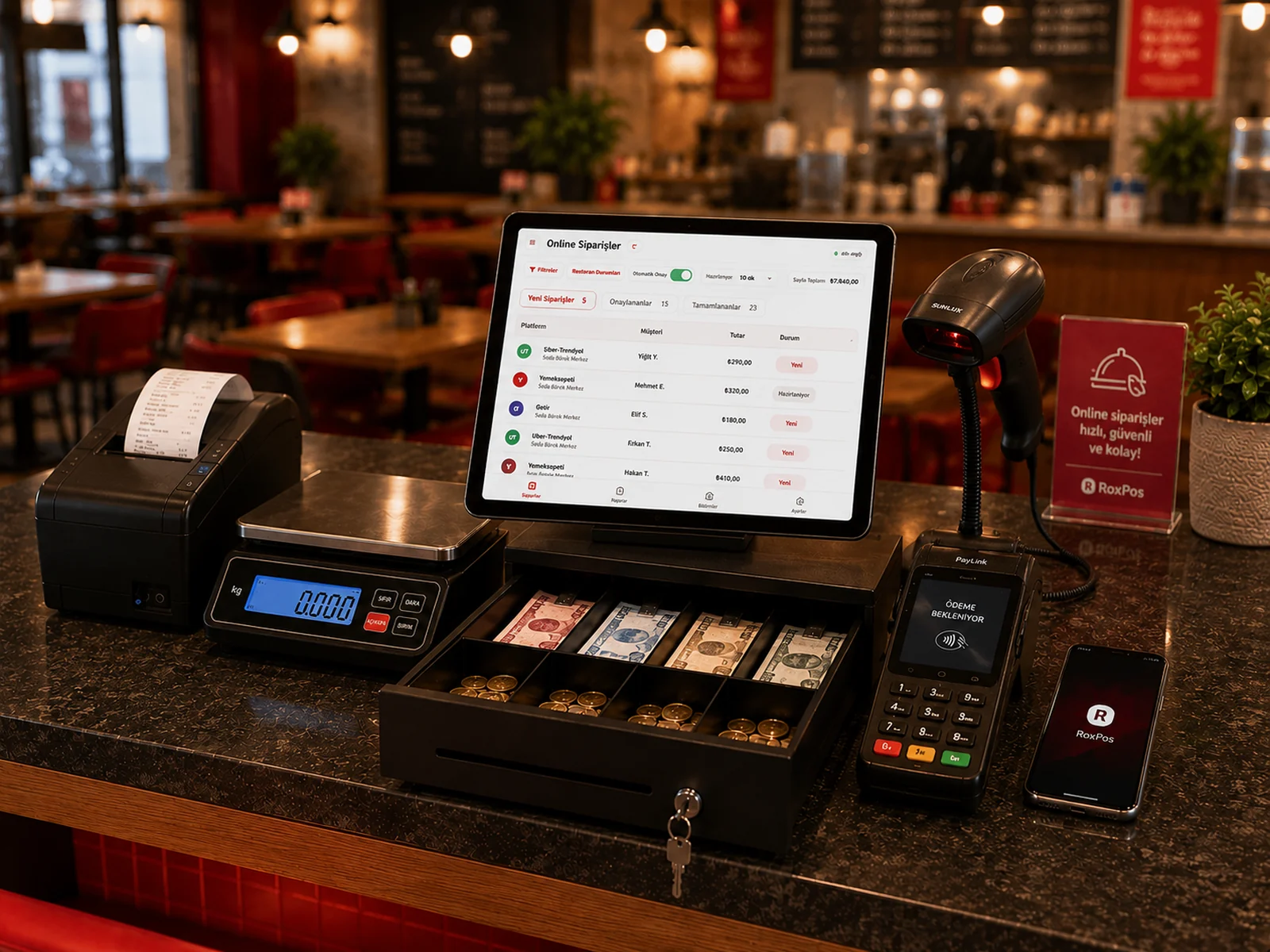
The drawer is usually connected to the receipt printer's drawer port and triggered through the printer. Our support team will guide you based on your device.
By default it opens for cash payments; you can configure the settings from the panel.