1. Connect the Scale
- Connect the compatible scale to the till (USB/serial/network).
- Verify that the scale can send the weight reading.

Support · Other
With the scale integration, the weight of the weighed product is transferred to RoxPos automatically and the price is calculated instantly. Ideal for grocery, nuts and delicatessen shops.
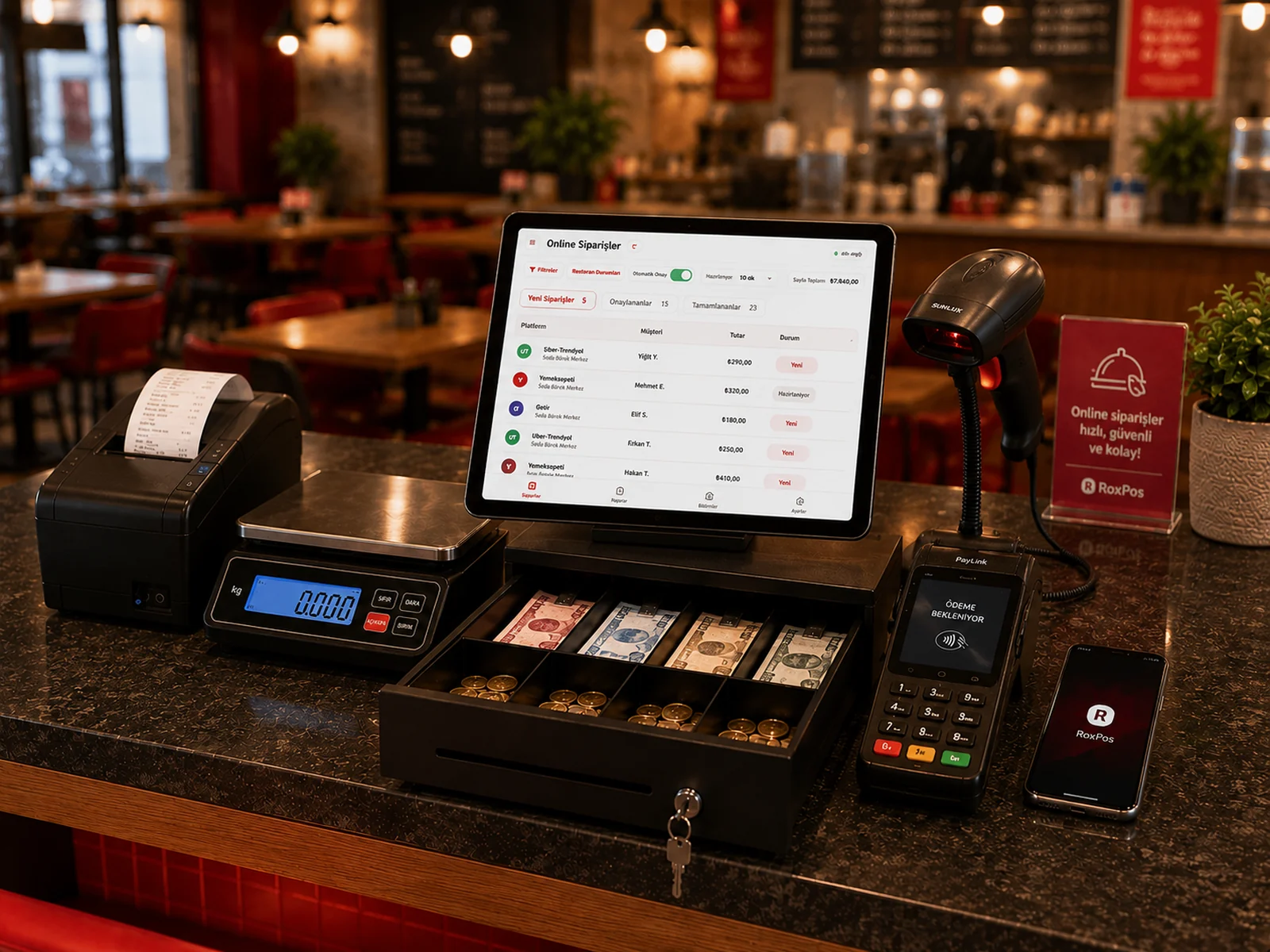
Scales that support the common serial/USB protocol can be integrated. Our support team will confirm compatibility for your model.
Yes. You can define products as unit-based or weighed (Kg/Lt) and sell them on the same check.