
What is a kitchen display (KDS)?
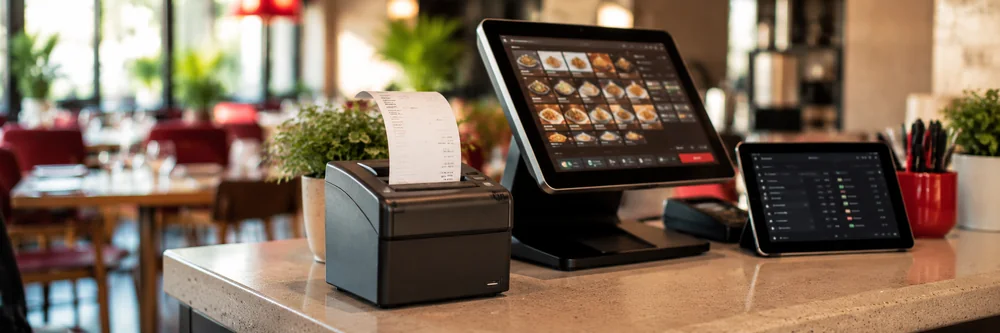
A KDS (Kitchen Display System) is a touchscreen that replaces the paper ticket coming out of the kitchen printer. The moment the waiter saves the order, the items appear on the kitchen screen; the cook marks them with one tap when work starts and when the dish is ready. No paper ticket to lose, soak or misplace.
What do the colours mean?
Every ticket ages from the moment it lands on the screen. On the RoxPos kitchen display the ticket header is green for the first five minutes, amber after five and red after ten. Colour is not the only signal: each card also shows a minutes:seconds counter, and items marked ready are struck through. So a colour-blind cook — or a screen washed out by steam — still reads it correctly.
Can it be used with gloves?
Yes. The screen is designed for real kitchens: every touch target is at least 56 pixels, the whole item row is tappable, and no function depends on hover. Cards fit a grid so the cook does not scroll. The background is dark and the cards are white — the highest-contrast combination under kitchen lighting and steam.
Do you need a separate device or app?
No. In RoxPos the kitchen display is a menu inside the panel and mobile app you already use. An old tablet in the kitchen, a spare phone or a computer browser is enough. There is no extra licence, no extra installation and no separate update cycle. You give kitchen staff only the 'Kitchen Display' permission; that user cannot see turnover, payments or reports.
Do I have to give up paper tickets?
No. The kitchen display is a setting: while it is off nothing in your system changes and order tickets keep printing on the kitchen printer as before. When you turn it on you can also run both together — some venues use a screen on the cold line and a printer on the hot line. The choice is yours, and switching back is one toggle.