
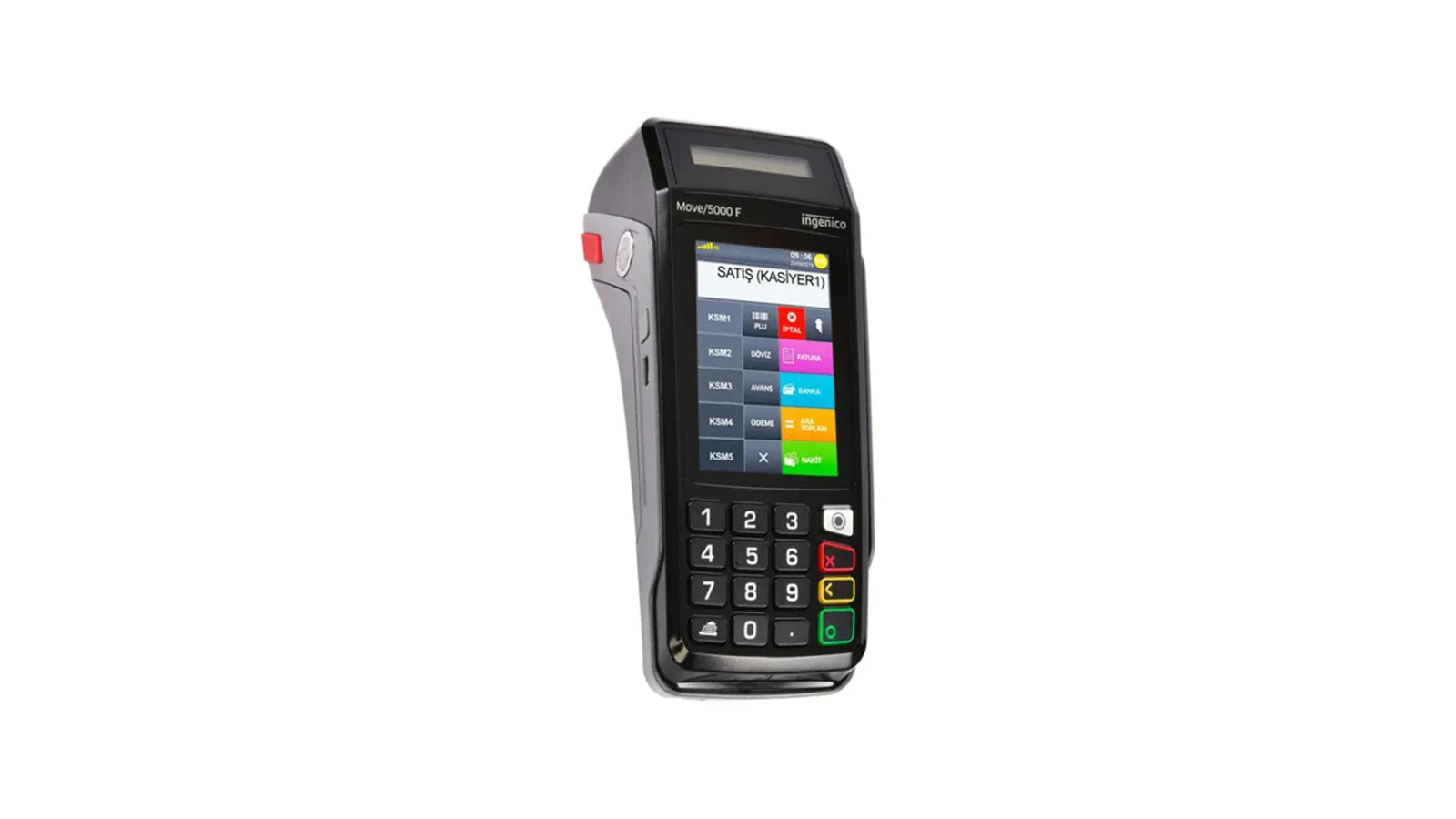
If you have an Ingenico fiscal POS that stays at the till, the wired (GMP3) connection is the fastest way to send the bill to the device. A small program installed on the till's Windows PC prints the receipt coming from RoxPos on the device, reads the card there and writes the result to the bill. This article explains the difference between wired and wireless, the setup and what happens when something is interrupted.
Wired (GMP3) vs Wireless (TMS)
| Connection | How the receipt reaches the device | Payment type | What you need |
|---|---|---|---|
| Wired (GMP3) | The RoxOKCingenico program on the till prints it | Chosen in RoxPos, required | A Windows PC; same network or USB |
| Wireless (TMS) | The device pulls the bill from RoxPos itself | The cashier picks it on the device | Only the device |
Setup in Four Steps
- Download the RoxOKCingenico zip from the wired Ingenico support page and extract it to a permanent folder (e.g. C:\RoxOKCingenico).
- In the panel, turn on Ingenico in Settings ▸ POS Integration and choose Wired (GMP3); enter the device's registration number and its connection (IP:port or USB).
- In Payment Types, use Adapt for Ingenico to map cash, card and meal cards to the device's codes.
- Open the program and sign in with your RoxPos user; if the branch has a single device the program selects it and a green 'Hazır' (Ready) appears.
How Does a Sale Go Through?
When you choose the payment type on a table and take the payment, RoxPos passes the receipt to the program. The program opens the receipt, prints the items under the departments matching their VAT rates, adds the basket discount as a discount on the receipt total and takes the payment on the device; for card payments the card is read on the device. When the result arrives, the payment is written to the bill. If the bill is split (e.g. card + cash), you take the parts one after another; a single receipt prints once all parts are complete.
What Happens If Something Is Interrupted?
- If the program is closed: the receipt waits and prints once the program connects; the table screen and the panel show the state.
- If the device turns off or the cable comes out: the program saves the unfinished receipt and continues it when the device reconnects.
- If the state is uncertain: if the receipt's outcome cannot be known after payment, the program shows 'Dikkat' (Attention) and asks you to check the device's last receipt; the receipt is never printed twice on its own.
- Cancelling: a job not yet sent to the device is cancelled from the panel on the table; a printed fiscal receipt cannot be cancelled from RoxPos, and the card refund is done from the device's menu.
Web and Mobile Together
Because the program on the till prints the receipt, you can send from the web panel or from a waiter's phone; both go to the same wired device. The panel shows whether the program is connected, its version and the device it is paired with. For the setup steps and the download, see the wired Ingenico support page.