
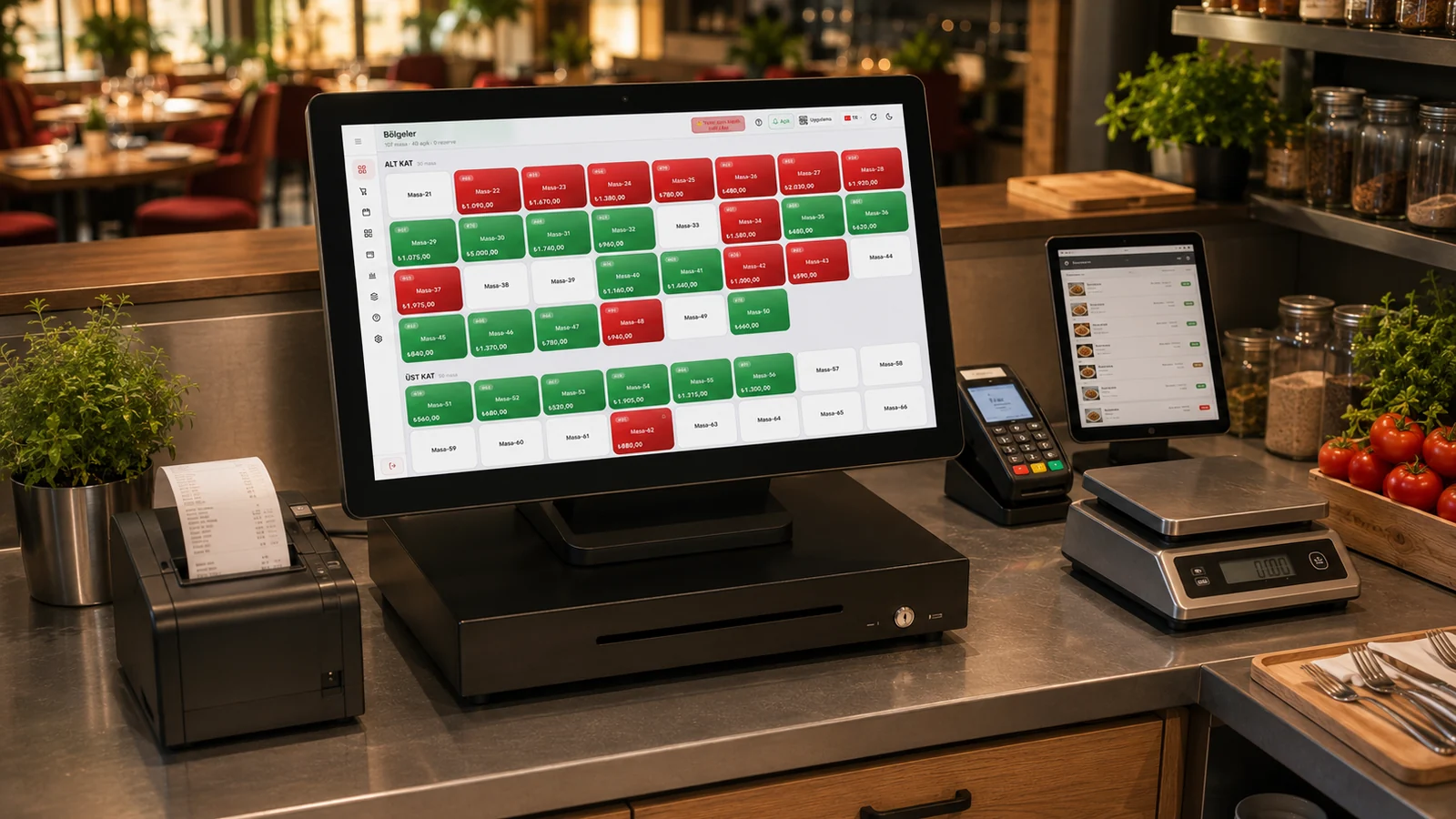
Without a fiscal POS integration the same amount is typed twice: once on the check and once on the device. Every repetition is a chance to make a mistake, and at end of day the till and the report disagree. With an integration the check lines, VAT rates and payment type are sent to the device from RoxPos, and once the receipt is issued the collection is posted back to the check.
Beko
With a Beko fiscal register the basket is sent in one of two ways: it lands in the device's basket list for the cashier to complete, or it goes straight to the payment screen. The first is the standard for table-service restaurants; the second suits retail and self-service, where payment is taken in a single step. A device runs in one mode at a time, so the mode is a setting rather than something derived from the table name.
Ingenico
Ingenico / PAX can be connected in two ways: with wireless (TMS) open checks are listed on the device screen, and with wired (GMP3) the RoxOKCingenico program on the Windows till PC prints the receipt on the device. The cashier picks a check and takes payment on the device; cash, card and split payments post to the check instantly. Because the line items go to the device, the fiscal receipt matches the check exactly and at end of day the till and the report agree.
PAX
PAX supports two scenarios at once: taking payment at the table with a handheld, and a fixed unit at the till. Both attach to the same check, so while a server collects at the table the manager at the till sees that check up to date. Each payment channel lands separately in the reports, so it stays clear afterwards how much was collected on which device.
Hugin
There are two ways to reach a Hugin device: PC Link over the local network or Cloud Link over the internet. The sales document is sent with its line items and VAT rates; with PC Link the payment type and any split collection go too, while with Cloud Link the cashier picks the payment type on the device. Choose Cloud Link when the till does not have to sit on the same network as the device, and PC Link for the classic same-network setup.
Pavo
With Pavo the sales document goes to the device with its line items and VAT rates, and cash, card and meal-card collection is completed on the device. There are two ways to connect: over the cloud from anywhere, or over REST from the same network. In businesses that lean on meal cards, mapping the payment mediator correctly also keeps the reporting correct.
inPOS
There are two ways to reach an inPOS device. With wireless (TSM) the cashier sends the bill with 'Send to POS' in RoxPos, and the device pulls it from RoxPos itself through inPOS TSM and shows it in its list; a table opened on the device is locked and drops off the other devices' lists. If cash, a meal card or bank transfer is chosen in RoxPos, the device issues the receipt with that type; if card or no type is chosen, the device takes the payment. With wired (GMP3) the device is paired once with the Windows PC at the till, and the RoxPos inPOS till program on that PC prints the receipt on the device over the cable; the payment type is chosen in RoxPos and is required. Either way, the payment plus the receipt no., Z no. and EKÜ no. are written to RoxPos; the table does not close by itself, the cashier closes it (or the table screen does, if the auto-close setting is on).
Which one should you choose?
The choice usually starts with the device you already have: whichever brand your fiscal device is, that is the integration. For a new setup, the operation decides. In table service, where the cashier completes payment on the device, the list flow fits; in retail and self-service, where a single step matters, the instant flow fits; if you collect at the table, handheld support is the deciding factor. All six share the same core: the amount is never retyped and the receipt matches the check exactly.