
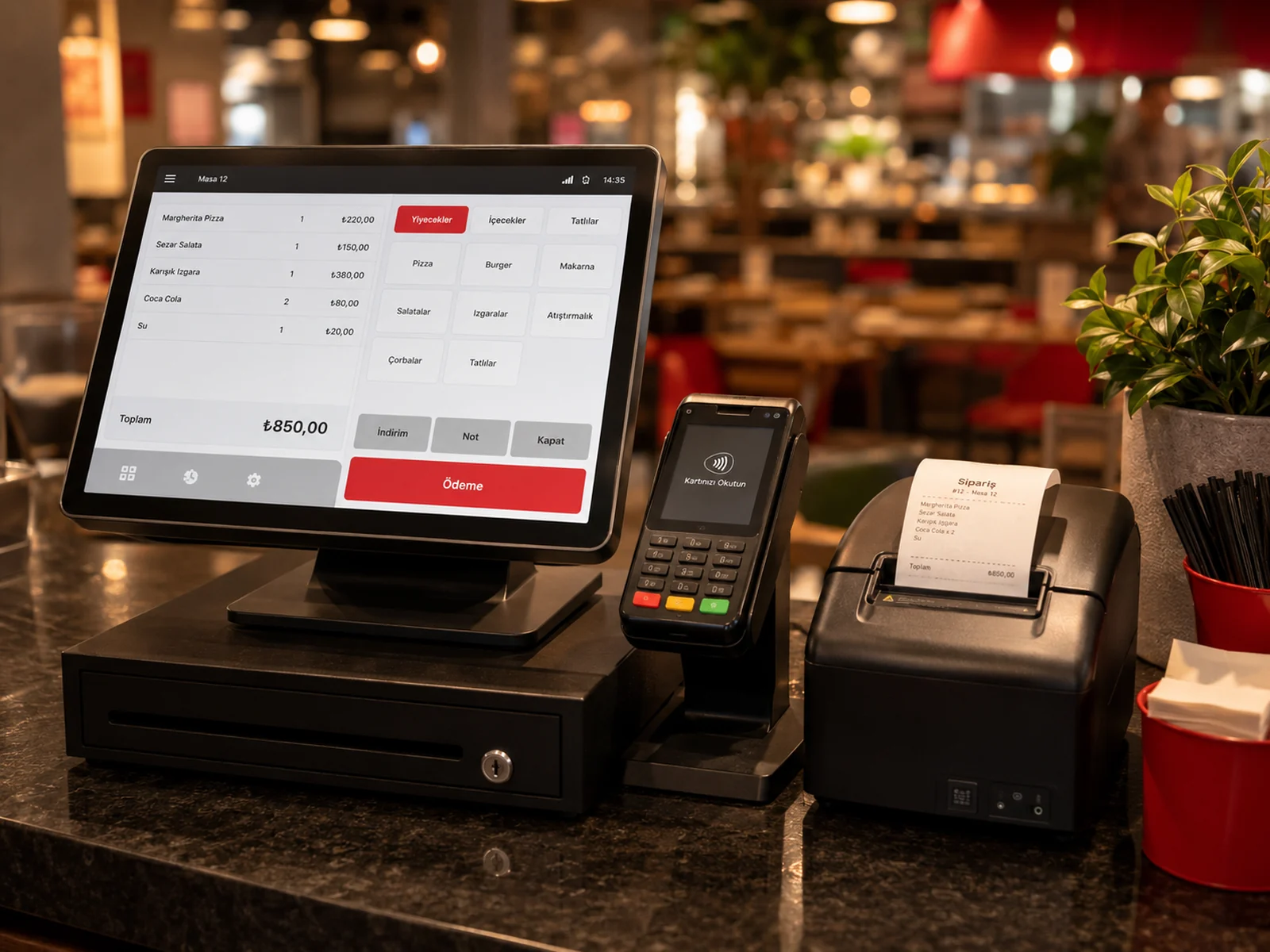
inPOS is a next-generation fiscal POS (ECR) brand in Türkiye; the M530 is one of its devices. With the inPOS integration turned on in RoxPos you never retype the bill total on the device: the bill goes from RoxPos to the device, and the payment and receipt details come back to RoxPos.
How a Sale Goes Through over Wireless (TSM)
- The cashier sends the bill with Send to POS in RoxPos.
- The inPOS device pulls the sent bills from RoxPos itself through inPOS TSM; the bill appears in the device's list.
- When the cashier opens the order on the device, the table is locked and drops off the other devices' lists, so the same table cannot be opened on two devices.
- Once the payment is taken and the receipt issued, the payment plus the receipt no., Z no. and EKÜ no. are written to RoxPos and the table closes.
- If the device cancels, the order returns to the list; if the same receipt arrives a second time, the payment is not written again.
Payment Type: in RoxPos or on the Device?
- Cash, meal card or bank transfer: if chosen in RoxPos, the device issues the receipt with that type and the amount counts as paid. Supported meal cards: Multinet, Sodexo, Setcard, MetropolCard, Edenred, TokenFlex, Paycell, iWallet.
- Card, or no type chosen: the device takes the payment.
- 'Payment type required': if you turn on this optional terminal setting, a bill cannot be sent without a type.
- VAT and department: the product group's VAT / department is sent to the device.
Online Orders
Receipts for online orders from platforms such as Yemeksepeti and Getir also appear in the device's list. They are not issued automatically; the cashier picks the order from the device's list and issues the receipt.
Setup
- In the panel, open Settings ▸ POS Integration ▸ inPOS.
- Enter the device's serial number and save the terminal; turn on 'Payment type required' if you want.
- Your company profile decides between the test and live environment; the address is the same, so there is nothing else to choose.
- Send a test bill with 'Send to POS' and check that it appears in the device's list and that the payment comes back to RoxPos.
Wired (GMP3) Connection Coming Soon
The till program for the wired (GMP3) connection, which will work with the Windows PC at the till, is being prepared. Until it is ready, inPOS works over the wireless (TSM) connection. For the setup steps, see the inPOS support guide.