Every size and colour with its own barcode
Each size and colour of a style is set up as its own barcoded product; scanning the tag at the till adds the right size and deducts stock for that size.

Feature
RoxPos boutique POS: sell every size and colour by its own barcode, apply seasonal price cuts in bulk, move stock between stores and open customer tabs.
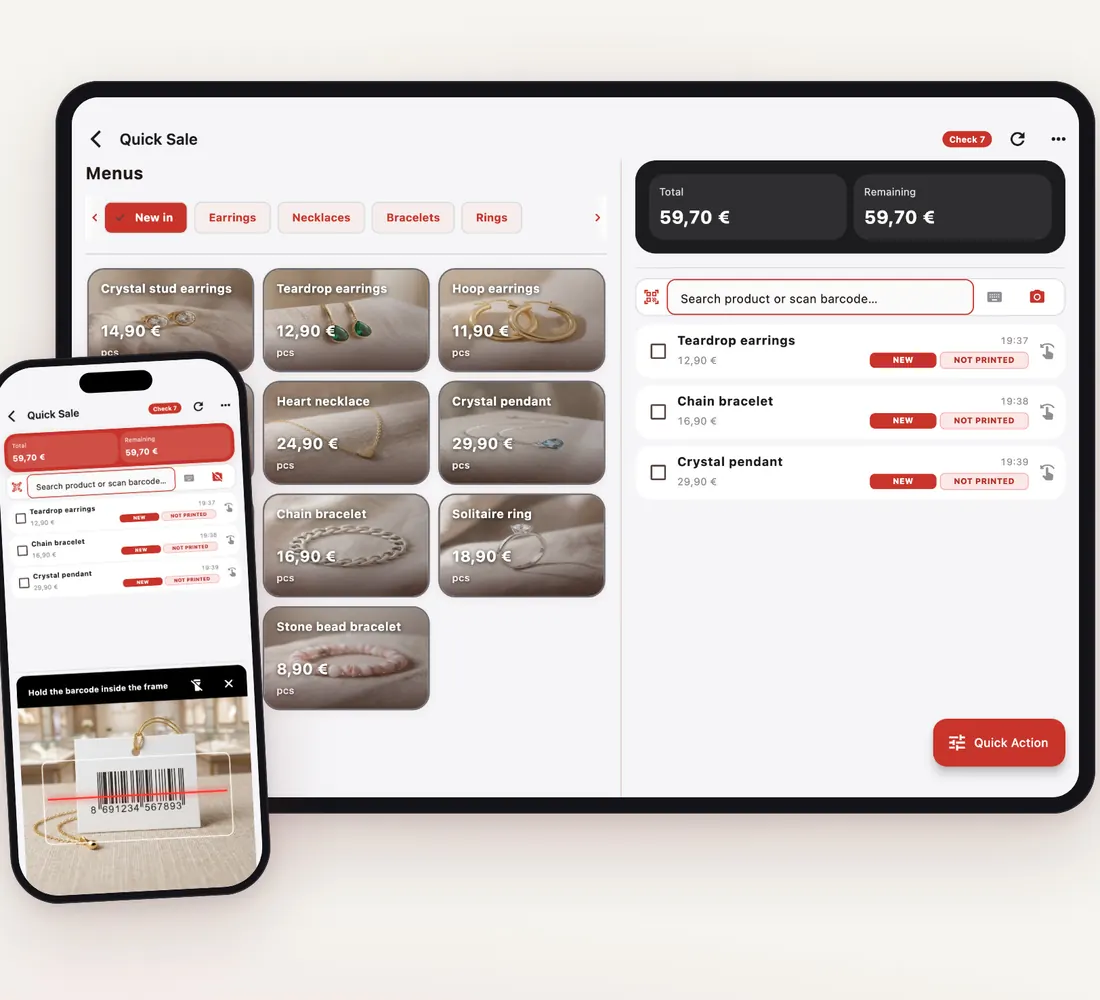
Each size and colour of a style is set up as its own barcoded product; scanning the tag at the till adds the right size and deducts stock for that size.
Bulk Price Change lowers prices in a category by a percentage and raises them back the same way after the season; preset discounts apply with one tap at payment.
Transfer a size that has sold out in one store from another branch or the warehouse; each store's stock is tracked separately.
The User Performance report shows each salesperson's sales; product and group reports reveal which styles are selling.
Load styles and prices in bulk with the Excel template, then add product images and arrange them into categories.
Scanning the barcode on the tag adds exactly that size and colour; in stock counts the same barcode counts each size separately.
Open an account card for a regular customer and put part or all of a purchase on account; the statement shows every movement.
The Branch Comparison report puts the takings of each store side by side, and products and categories can be copied to a new branch.
Set up each size/colour combination as a separate product with its own barcode; sales, stock and counts show for each one. Keep the variants of a style together in one category.
Use Bulk Price Change to cut prices in selected categories by a percentage, with old and new prices previewed before saving. For a discount on a single sale use preset discount rates.
Yes. Warehouse Transfer moves stock between branches or warehouses; for a transfer between branches you need permission in both.
Yes. Cash, card and on-account can be combined, and you can add your own payment types; the Day End report shows each type separately.