Quick sale without tables
On the Quick Sale screen you pick items and take payment without opening a table; the receipt can print automatically if you wish.

Feature
RoxPos for snack bars and kiosks: quick counter sales, barcoded drinks and snacks, sandwich options, meal vouchers and a day-end report. Cloud POS.
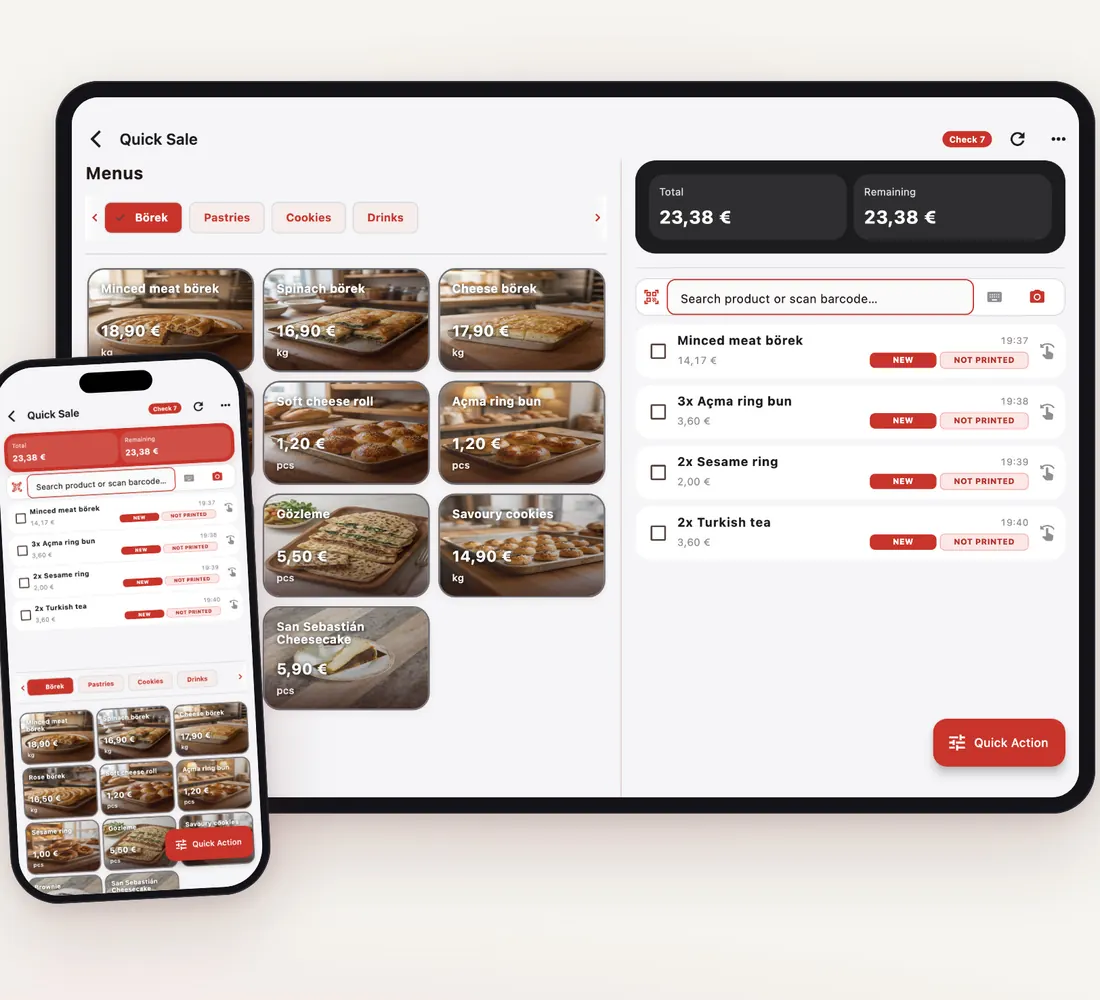
On the Quick Sale screen you pick items and take payment without opening a table; the receipt can print automatically if you wish.
Scan water, soft drinks, chocolate and packaged snacks with a barcode scanner; the item drops into the basket and stock goes down with the sale.
Product detail rules let you define options such as extra cheese or extra filling with their surcharges; an option can also deduct packaging or a cup from stock.
Add your own payment types such as meal vouchers next to cash and card; the day-end report shows each payment type separately.
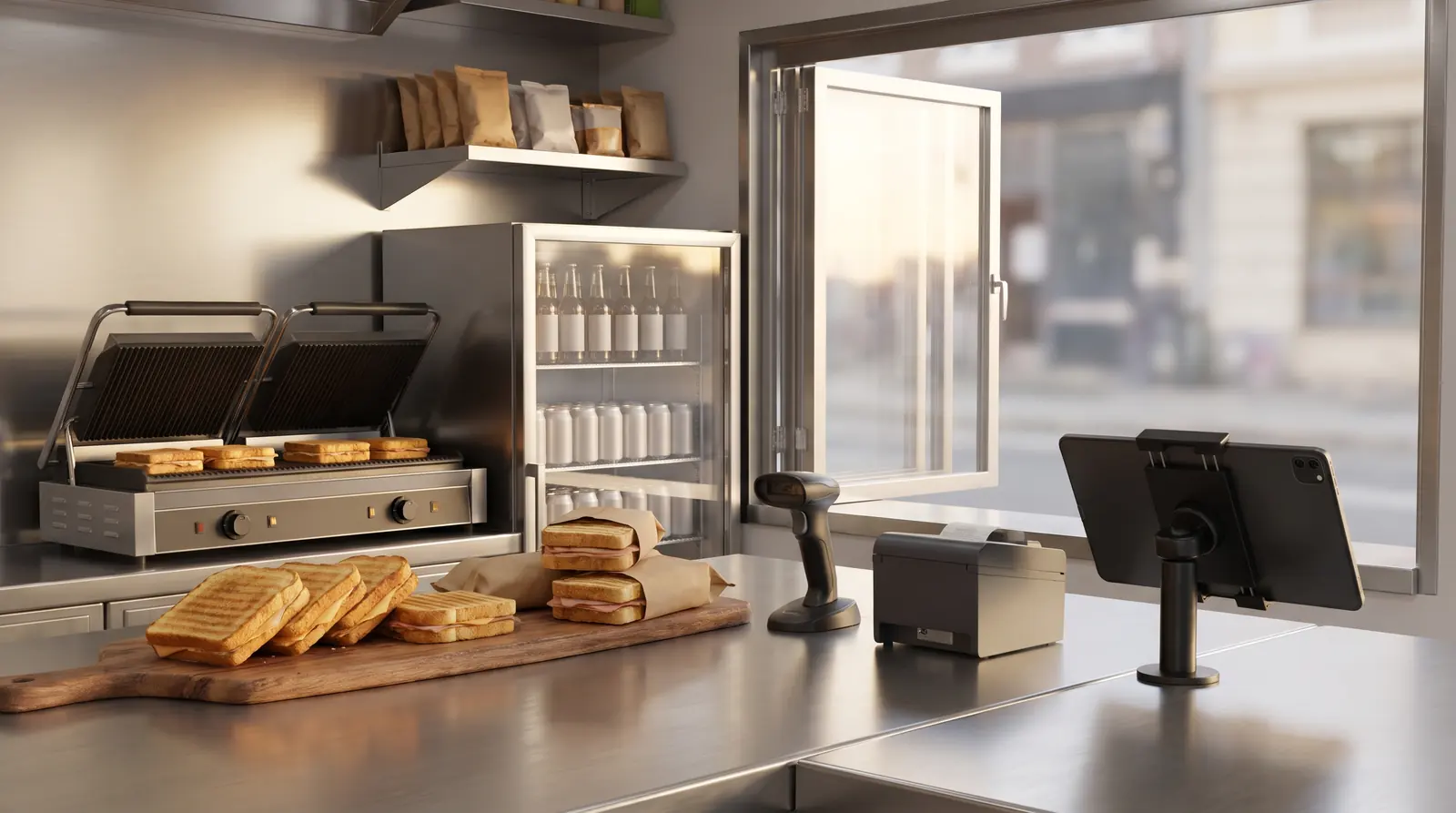
Best-sellers go in with one tap and packaged items by barcode; the cash drawer opens by itself when a cash payment is recorded.
Every sale deducts stock and you are notified when an item drops below its critical level; entering a case as a purchase unit converts it to single units.
The Day End report summarises cash, card, other payment types, discounts and product sales per business day; export it as PDF, Excel or a receipt.
With a QR code on the counter, customers see prices and product photos on their phone; change a product in the panel and the QR menu updates too.
Yes. Quick Sale lets you sell and take payment straight away without a table. In General Settings you can have the receipt printed automatically for quick sales.
Not required; you can also pick items on screen. A scanner speeds up packaged items; network printers connect through RoxPos Print Agent and the cash drawer opens on cash payments.
Yes. In Payment Types you add custom types such as meal vouchers next to cash and card; reports track each type separately.
Yes. Stock goes down on each sale and you record purchases as purchase documents; the Profit / Loss report shows gross profit and margin per product at average cost (AVCO).