Load products in bulk with Excel
Download the template from Quick Actions, fill in products and prices in Excel and upload it back; the catalogue is created or updated in one go.

Feature
RoxPos shop POS: barcode sales, bulk products via Excel, purchase documents, barcode stock counts, customer tabs and reports. Cloud POS for shops.
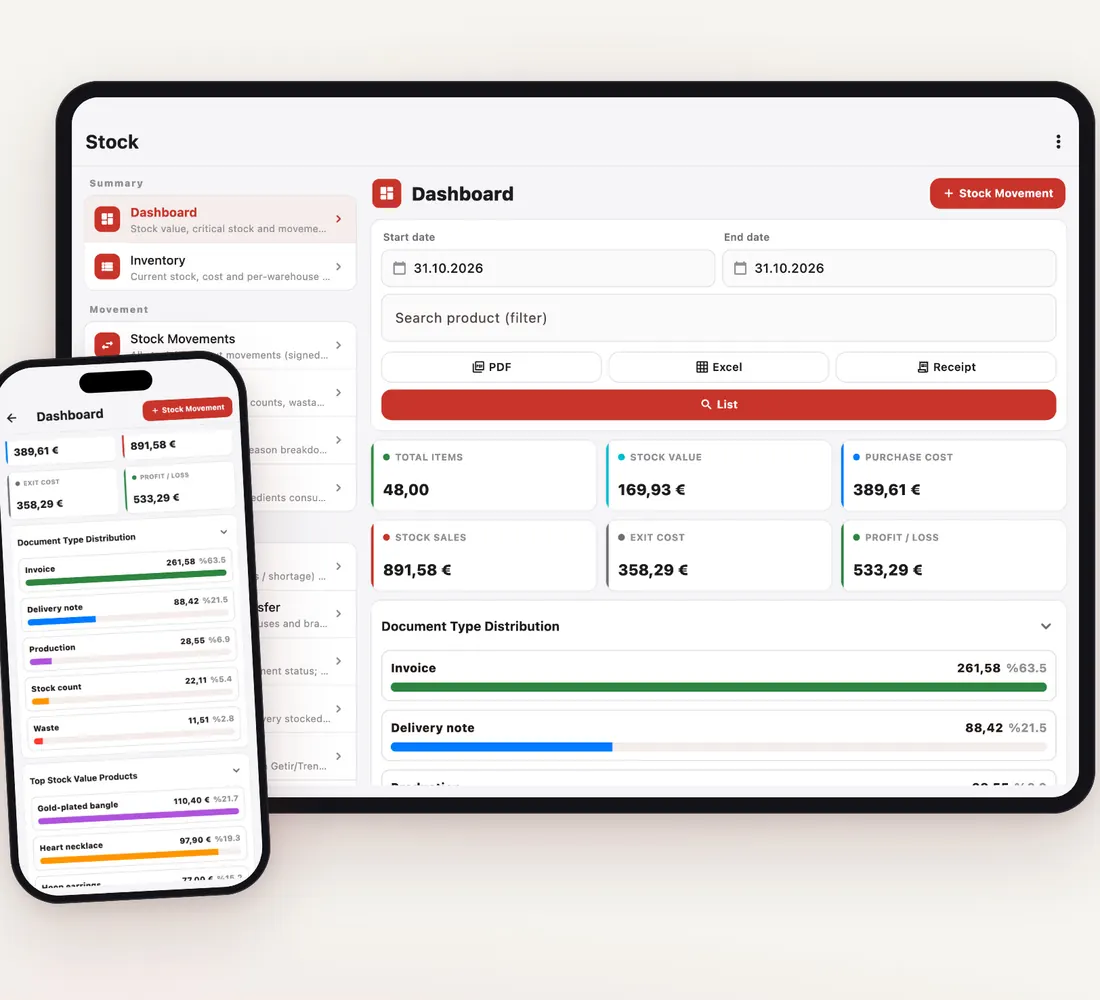
Download the template from Quick Actions, fill in products and prices in Excel and upload it back; the catalogue is created or updated in one go.
At the till a scan drops the item into the basket; for stock counts you use the same scanner and the system records the difference from recorded stock.
Record delivery notes and invoices with supplier and payment status; purchases on account go to the supplier's balance and are cleared with Make Payment on the due date.
When supplier prices rise, increase prices in chosen categories by a percentage and pick a rounding; old and new prices appear side by side before you save.
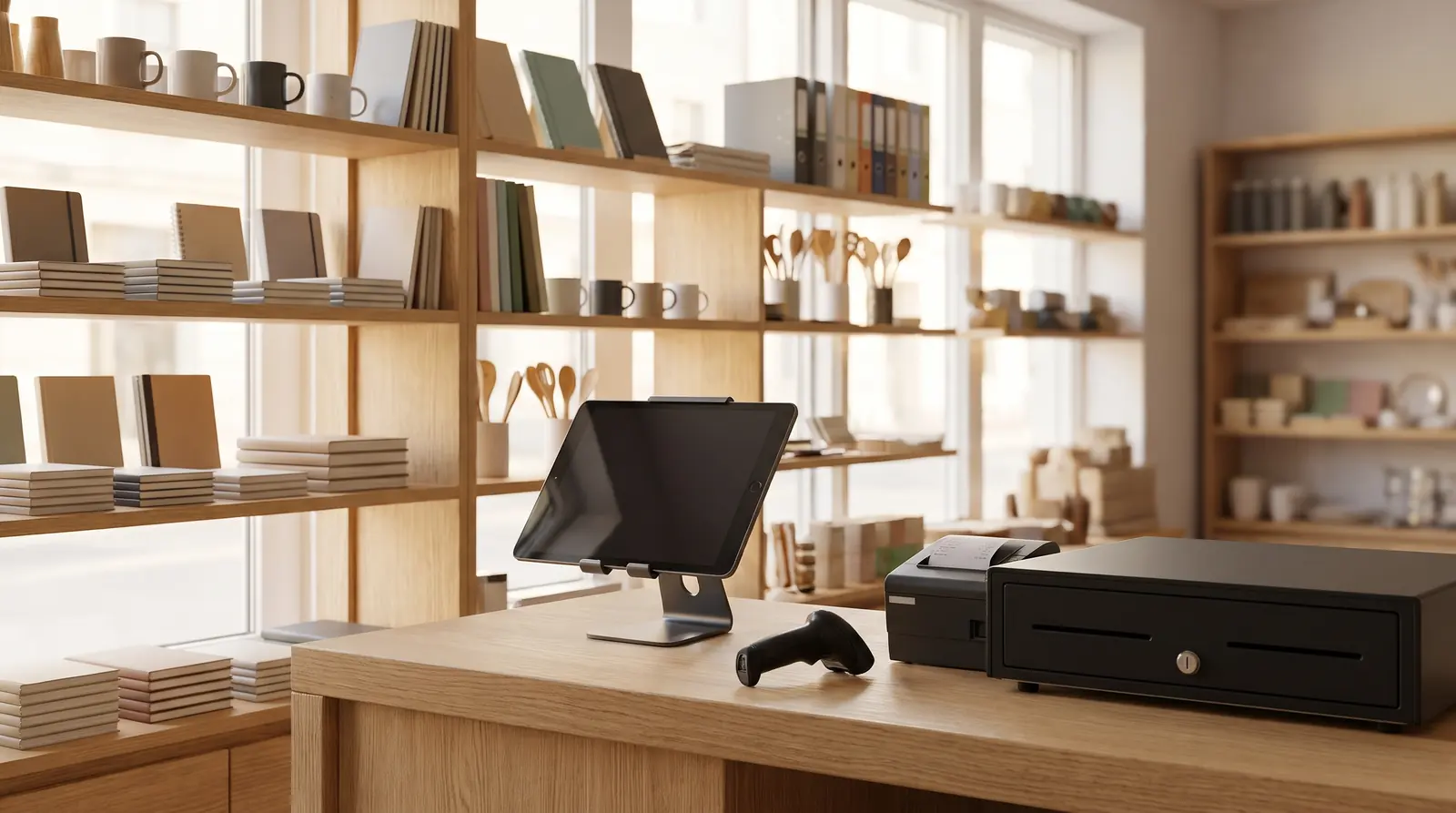
Barcoded items go into the basket in a second; when it gets busy, a second device opens as an extra till on the same account.
Put a regular customer's purchases on their account and collect at month-end with a statement; an account with tax details can be attached to the sale.
Product and group sales reports show what is moving, and critical-stock notifications tell you what is running out.
The customer display shows the basket, total, paid and remaining amounts live; when idle it shows a welcome image or a short video.
No. Download the template from Excel Import & Update, fill in products and prices and upload it; the catalogue is created or updated in bulk.
Yes. With Bulk Price Change you raise or lower prices in selected categories by a percentage; new prices are previewed before you save.
Yes. A purchase invoice entered on account is added to the supplier's balance; the Purchase Documents list shows the paid and remaining amount of each document.
A tablet, phone or computer is enough. Barcode scanners, network receipt printers (via RoxPos Print Agent), a cash drawer, scales and a second customer display are supported.