A till ready for the break rush
Sell with Quick Sale and barcode scanning without opening tables; the same account runs on several devices, so a second till can join in at the busiest break.

Feature
RoxPos canteen POS: fast sales at break time, staff tabs on customer accounts, student and staff discounts, stock and a day-end report. Cloud POS.
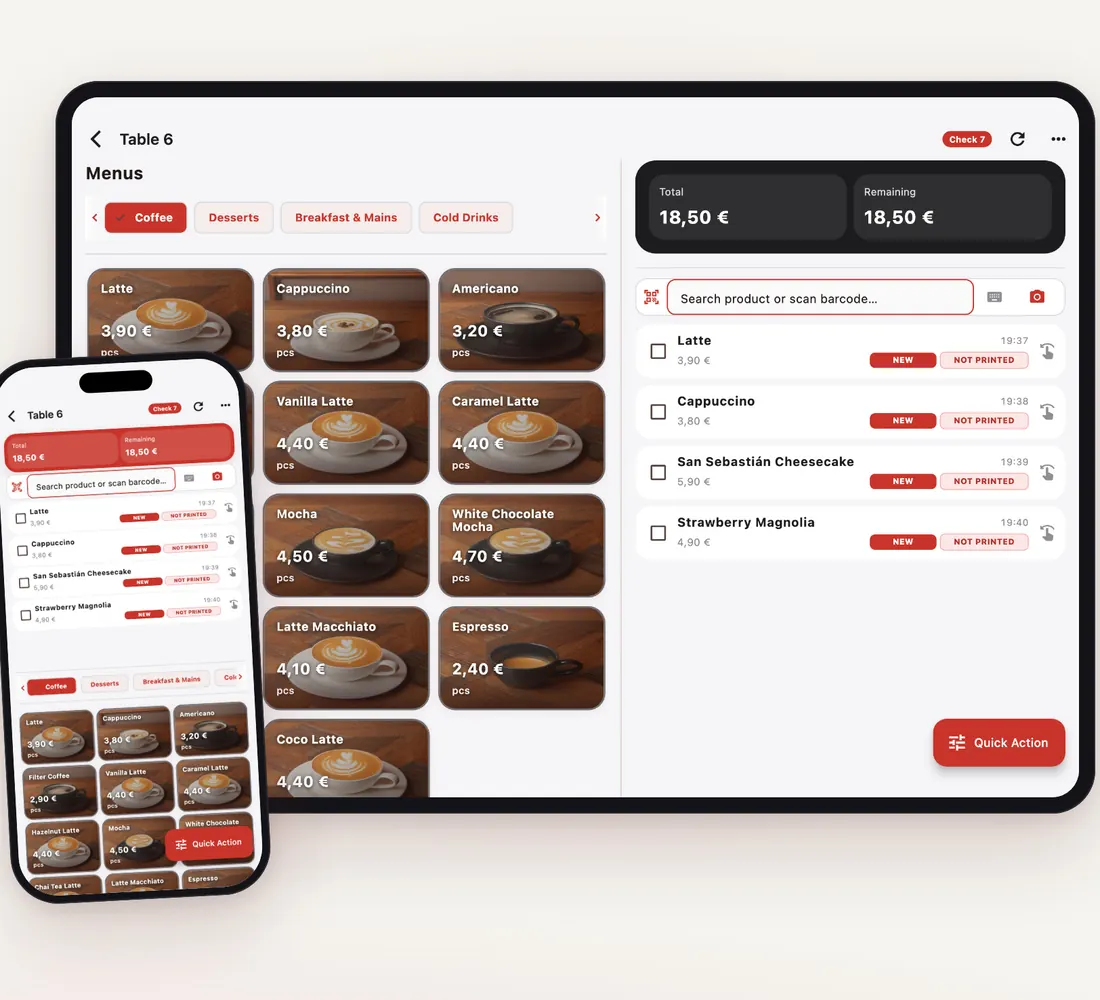
Sell with Quick Sale and barcode scanning without opening tables; the same account runs on several devices, so a second till can join in at the busiest break.
Open an account card for an employee or a regular and put the sale on their tab; at month-end the balance is settled in full or in part with Collect Payment.
Define the rates you use often, such as student or staff discounts, as preset discounts; they apply with one tap at payment and show separately in reports.
Record what employees consume under Wastage as Staff Consumption, together with the person; stock and costs stay accurate.
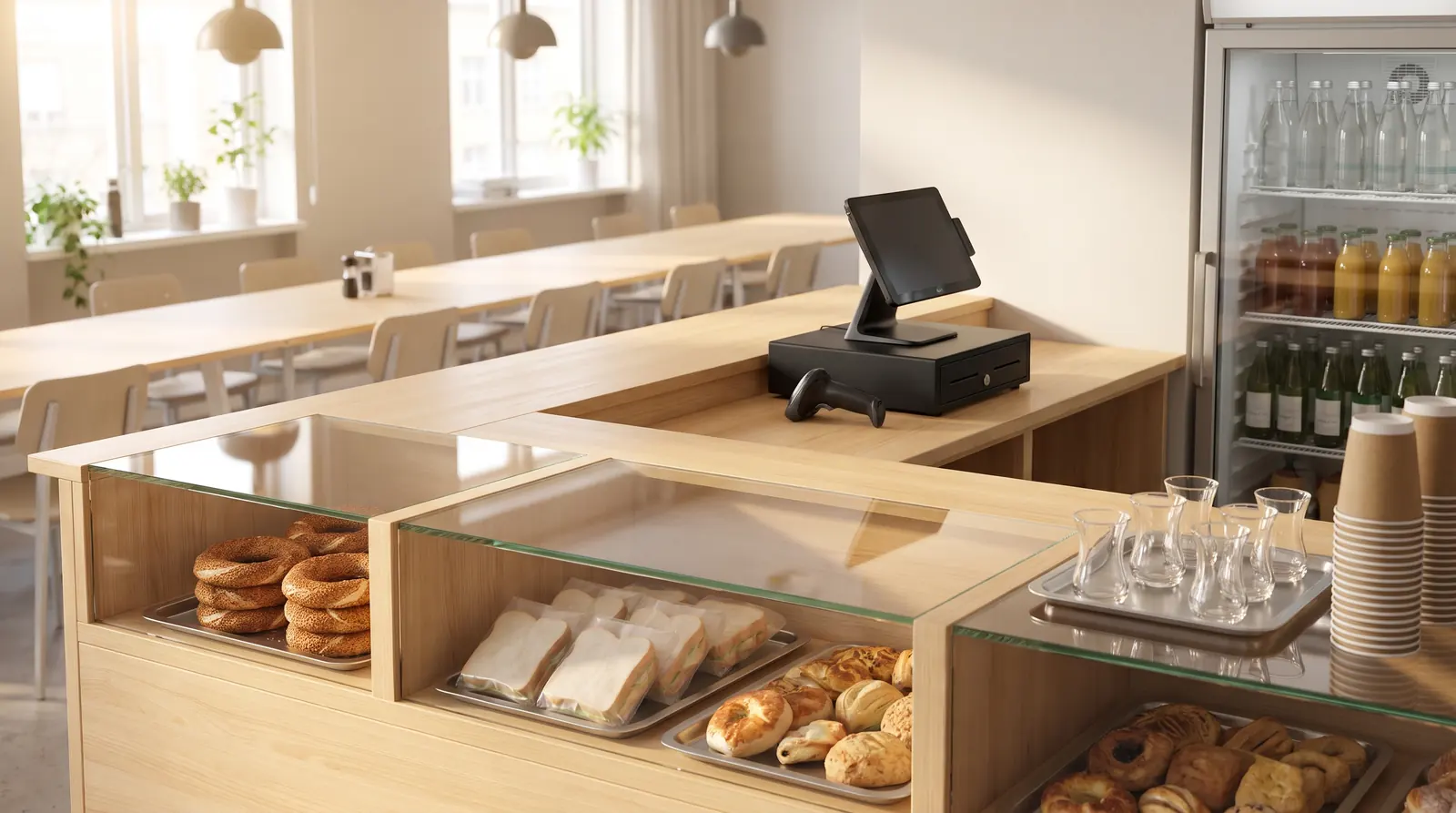
Packaged items go in by barcode and popular toasties and drinks with one tap; payment is taken in cash, by card or with meal vouchers.
Tab sales build up on each employee's account card; the statement shows the opening balance and every movement, and the total is collected at month-end.
A QR code on the wall or counter shows current prices, ingredients and allergens on the phone; change a price in the panel and the list changes too.
The Day End report splits takings by payment type; a critical-stock notification warns you about an item running out before your supply day.
Yes. Define the rates once as preset discounts and apply them with one tap at the till. For discounts valid at certain hours you can also set a time-based discount rule.
Yes. Open an account card for each employee and put sales on their tab. At month-end settle the balance with Collect Payment and see every movement on the statement.
Yes. You sell on several tablets, phones or computers with the same account; every sale deducts from the same stock and appears together in reports. The Pricing page shows how many devices your plan includes.
Yes. With the QR Menu module the menu opens on the phone in 8 languages with photos, prices, ingredients and allergens; no app download is needed.