Weighed sales with a scale
When you pick an item sold by kilo, gram or litre, the quantity is asked; with the scale enabled the weight is read through RoxPos Print Agent and the amount is worked out from the unit price.

Feature
RoxPos deli POS: weighed sales with a scale, barcoded shelf items, stock by kilo and case, wastage records, customer tabs and day-end reports.
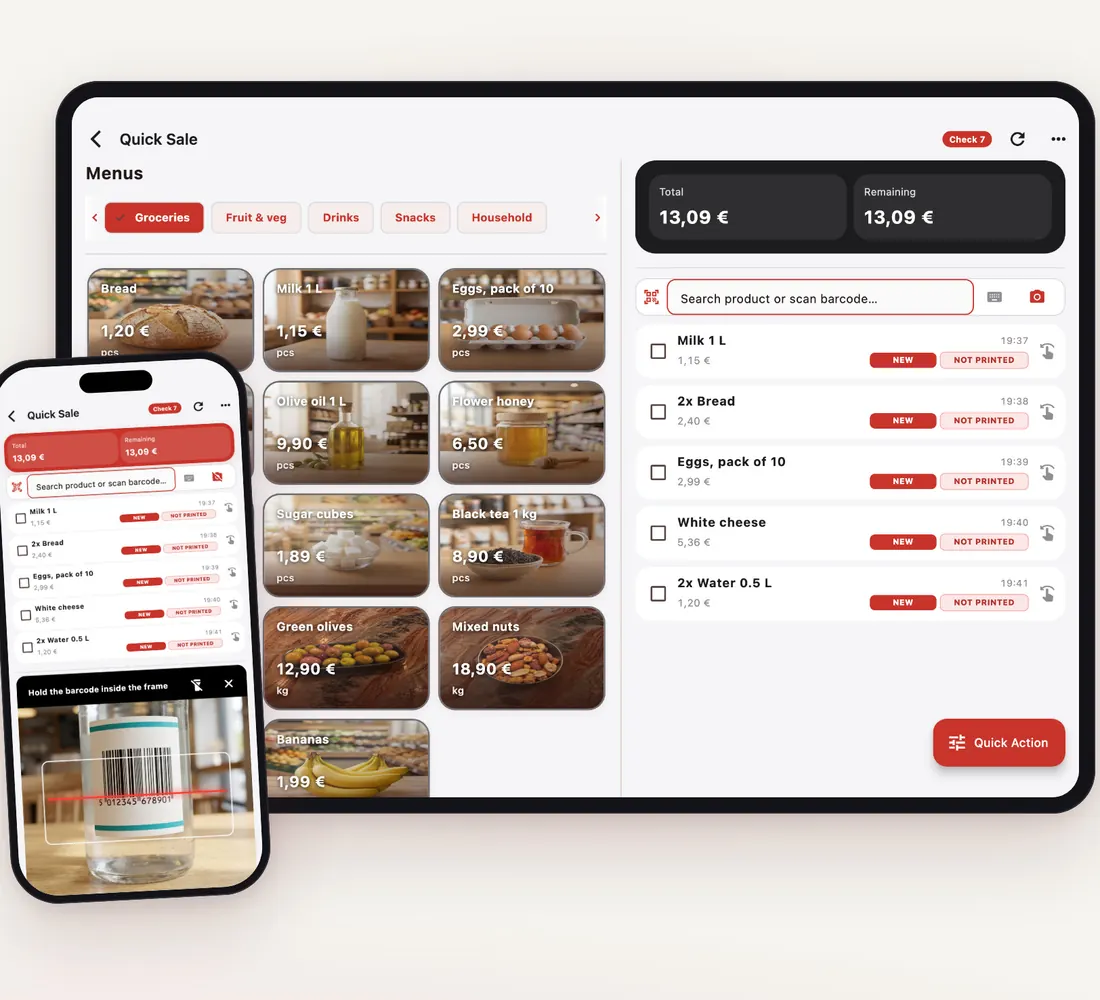
When you pick an item sold by kilo, gram or litre, the quantity is asked; with the scale enabled the weight is read through RoxPos Print Agent and the amount is worked out from the unit price.
An item's base unit can be kilos or pieces; define up to 5 purchase units such as a case or crate and enter stock receipts in those units.
Write off spoiled, dried-out or broken items with a reason under Wastage; the stock report shows the period's wastage separately.
The Profit / Loss report shows each item's sales, average cost (AVCO) and gross margin, so you see which cheese or cold cut really earns.
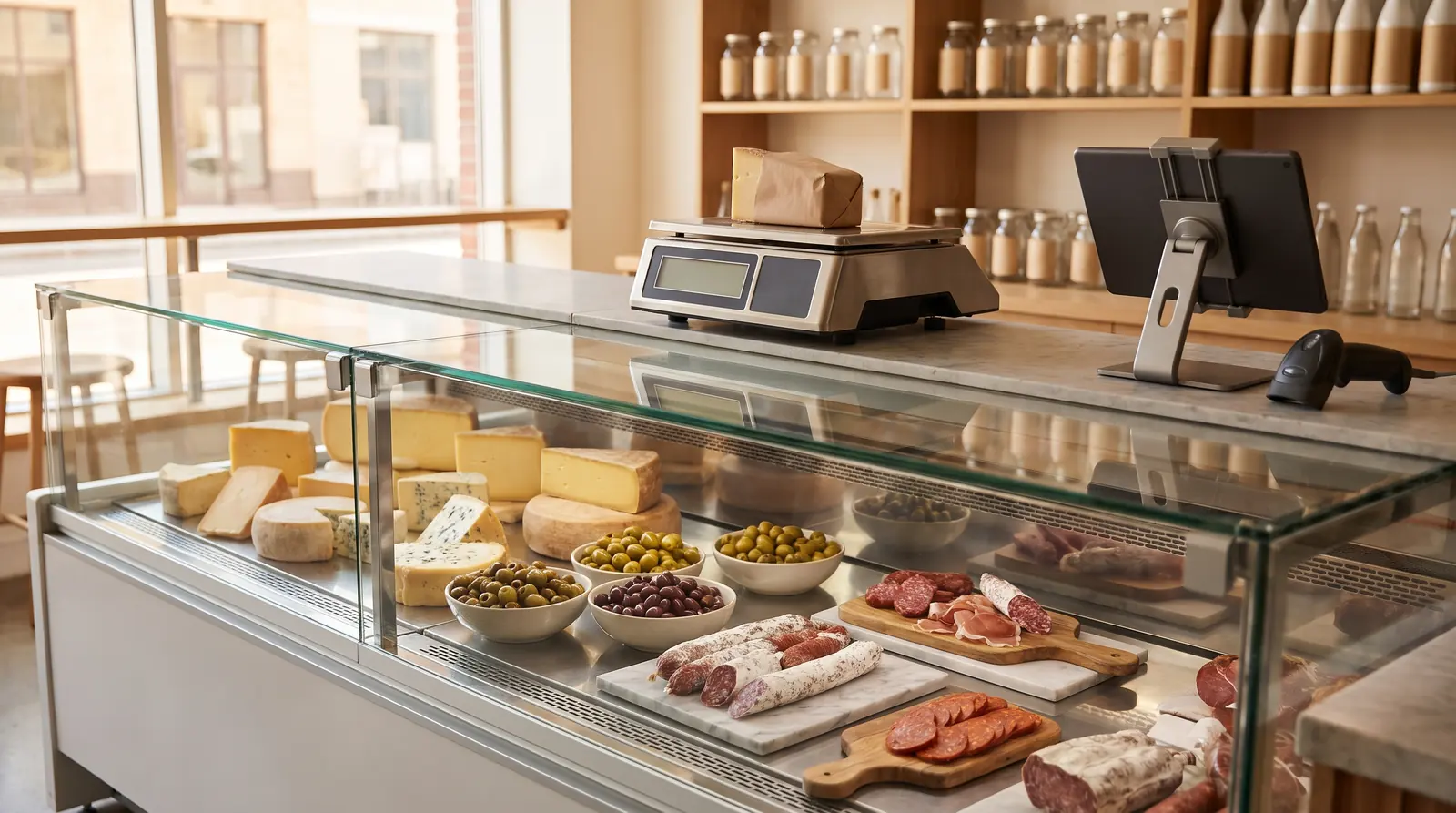
The weight from the counter goes straight into the sale; barcoded shelf items join the same basket and payment is taken once.
Upload the purchase invoice or delivery note as a PDF or photo; AI reads the lines and matches them to your products, and stock is booked once you confirm.
Wastage records and stock reports show how much is lost on which item per period, so you adjust your orders.
Open an account card for a restaurant or a regular customer, put purchases on their tab and settle them with Collect Payment.
Yes. The scale is enabled in General Settings; the weight is read through RoxPos Print Agent and the amount is calculated from the unit price. Without a scale you type the quantity.
Yes. Weighed items and scanned packaged items go into the same basket; payment can be cash, card, on account or split.
In Stock Movement pick the document type and enter lines by hand, by barcode or from Excel; or let AI read the invoice and match it to your products (1 credit per page).
Under Wastage pick the item and the reason (spoiled, broken, waste, lost); the amount is tracked separately in stock reports.