Barcode sales in seconds
Scan tobacco, alcohol, soft drinks and snacks with a barcode scanner; the item goes straight into the basket and payment is cash, card or split.

Feature
RoxPos off-licence POS: fast barcode sales, stock for drinks, tobacco and snacks, cartons and cases as purchase units, barcode counts, day-end report.
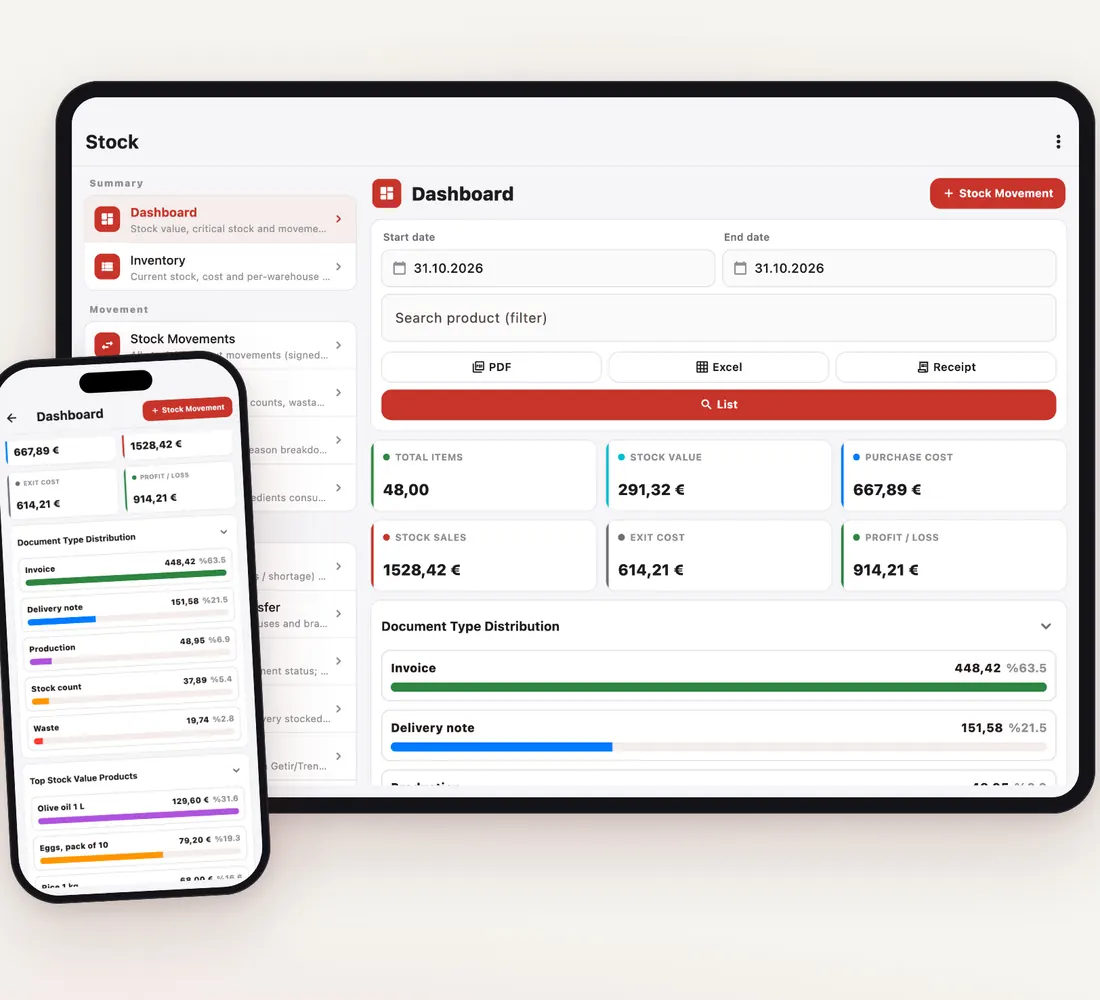
Scan tobacco, alcohol, soft drinks and snacks with a barcode scanner; the item goes straight into the basket and payment is cash, card or split.
On the product card you define a purchase unit such as a carton or case and its base-unit equivalent; enter a carton and stock receives the number of packs, which then sell one by one.
Keep tobacco, alcohol, soft drinks and snacks in separate categories and product groups; the VAT rate comes from the product group and inventory value is tracked per group.
During a stock count you scan items or use the Excel template; the system records the difference between counted and recorded stock.
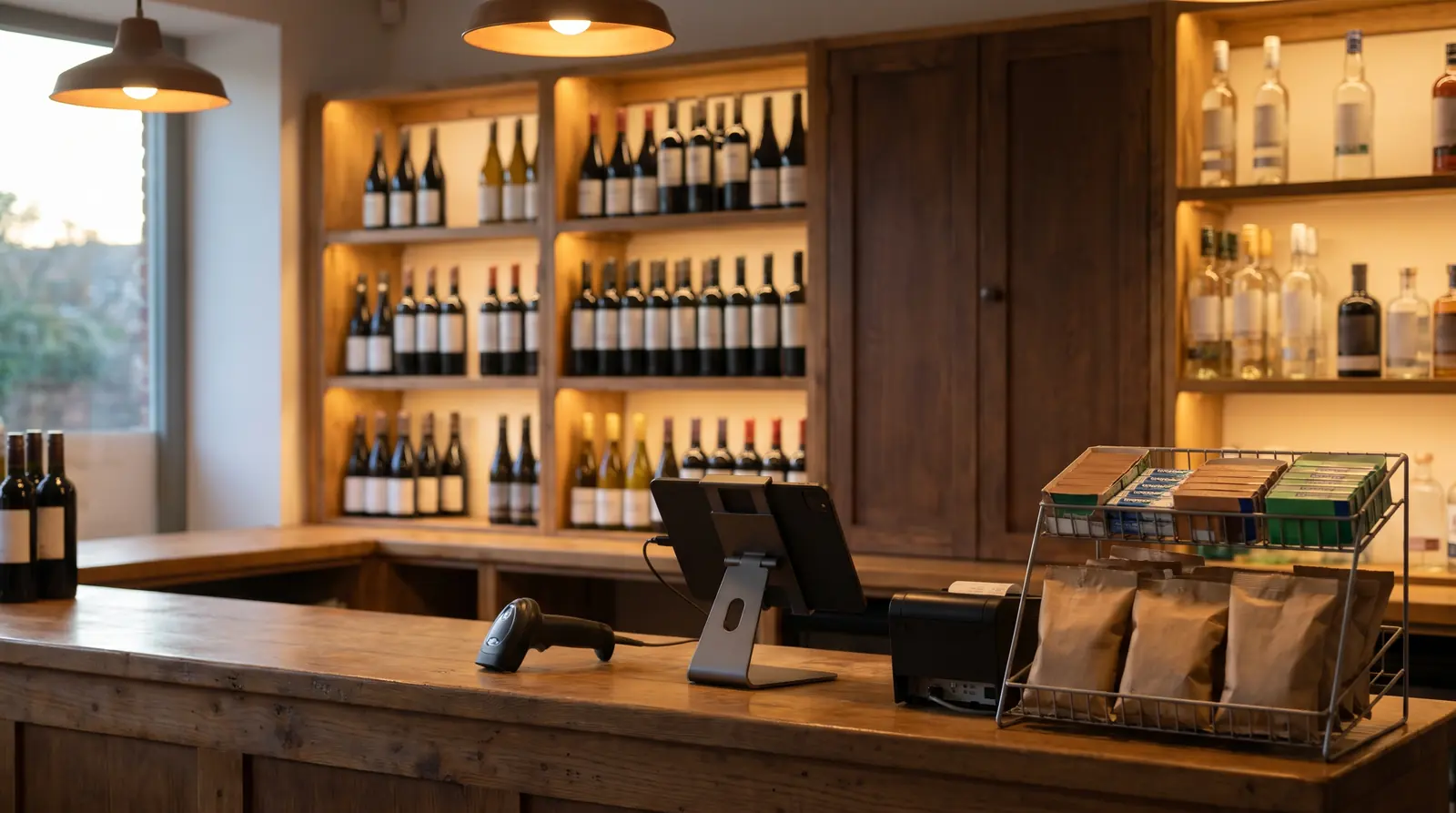
With a barcode scanner and one-tap product buttons a sale takes seconds; the cash drawer opens by itself on cash payments.
You get a notification when an item drops below its critical level, so you order from the supplier before the shelf is empty.
The Day End report separates cash, card and other payments; periodic counts reveal stock differences and the Activity Log records deleted items and cancellations.
Turn actions such as deleting items, deleting payments or changing the payment type on or off per user; staff without permission cannot perform them.
Give the item a base unit of one pack and add a carton purchase unit; when you receive cartons, stock goes up by the number of packs and sales deduct pack by pack.
Yes. Pick items without a barcode from the category and product buttons on screen; for weighed items the quantity is asked.
On the Count & Reset screen you enter what you counted as the new stock; for a full count use barcode scanning or the Excel template, and the system records the difference.
Yes. Each branch has its own stock; you transfer between branches or warehouses and compare sales side by side in the Branch Comparison report.