
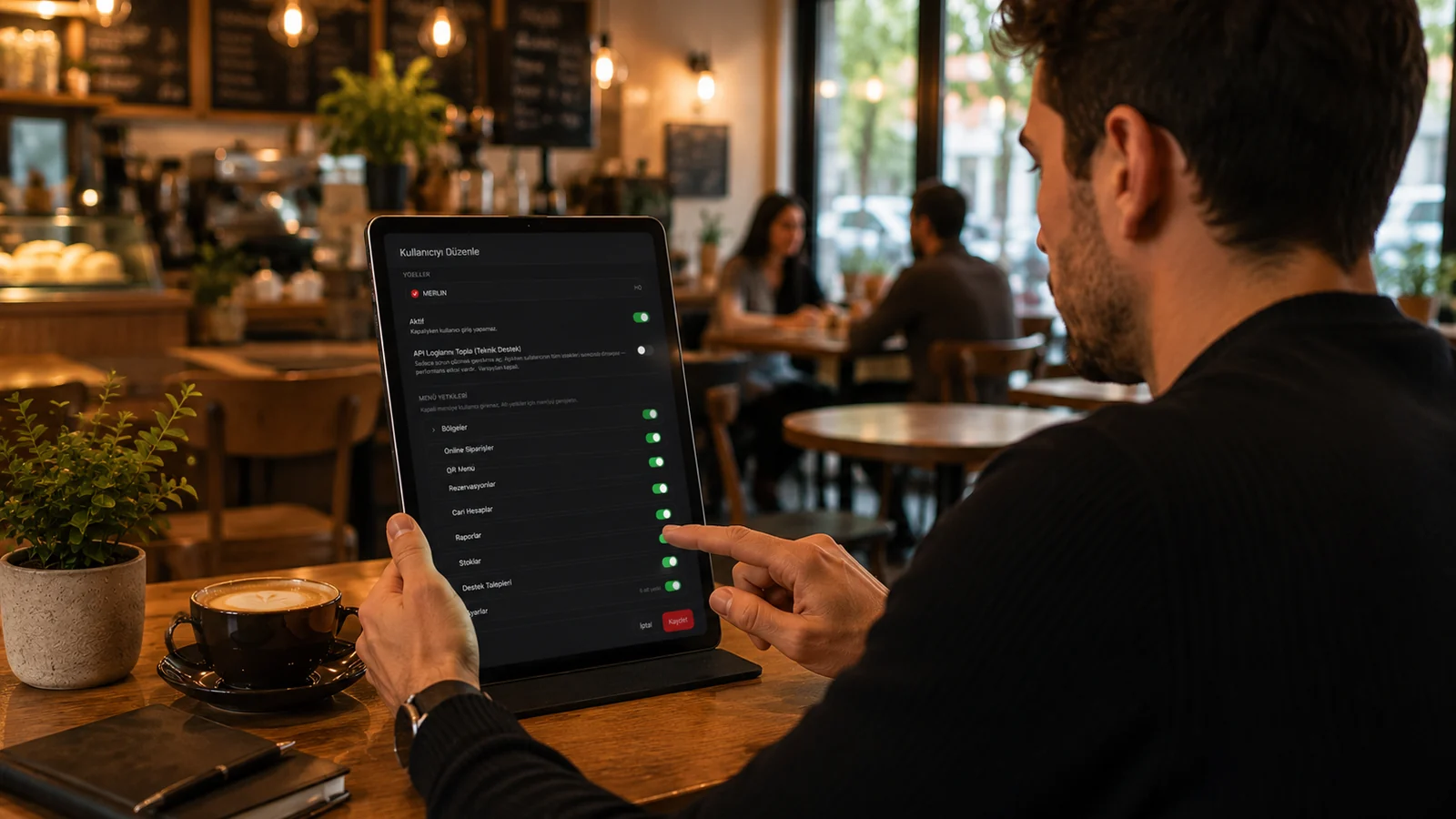
Every business opening a second branch faces the same question: do we rebuild the menu, prices and rules in each branch? As branches multiply, price differences, missing products and who is allowed to do what easily get out of hand. In RoxPos branches sit under one company account; the catalog is copied from one branch to another, prices are updated in bulk by category, and user permissions are set centrally.
Branches in one account, data per branch
New branches are opened from the Branches screen in Settings, and the head office branch cannot be deleted. Categories, products and prices are kept separately for each branch, so a price change in one branch does not affect another. In the web panel you move between branches with 'Change Branch', while the mobile app logs in again to the selected branch. Each user can only enter the branches assigned to them.
Copying the menu between branches
You do not need to re-enter the menu when opening a new branch. 'Copy to Branch' on the Products or Categories screen transfers categories, products, selling prices and QR menu details to the selected branches, and product option rules come along with the products. You can copy to several branches at once, with a separate result for each. If the target branch already has a product with the same code, it is skipped rather than overwritten, so branch-specific changes are preserved. Recipes, printers and stock are not copied, and every copy is written to the Activity Log.
Bulk price changes: percentage, category and rounding
When it is time for a price increase, 'Bulk Price Change' in Quick Actions raises or lowers the prices of products in the categories you choose by a percentage; if you choose no category, all active products are included. With the rounding option, new prices are rounded to whole numbers or to steps such as 0.5, 5 or 10. Before saving, each product's old and new price is listed side by side; you can adjust individual rows by hand and see how many products will change. The change applies to the branch you are in and is reflected in the POS and the QR menu.
User permissions
Instead of role templates, RoxPos gives each user individual permission switches: which menus they see, deleting items at a table, changing prices, moving tables, taking, deleting or changing payments, giving discounts and complimentary items, reprinting checks and so on. Critical actions are off by default, for example deleting payments, changing the payment type, deleting items already served and changing prices. Permissions apply across the company, so a user works under the same rules in whichever branch they enter. In the web panel you can also define allowed IP addresses for each user.
- When preparing a new branch, copy the menu first, then apply that branch's own price difference with a bulk price change there.
- If you prefer to update prices with a file, download the current menu from 'Import & Update Menu via Excel', edit it and upload it again; the add-on-top mode updates the prices of existing products.
- See branch performance side by side in the Branch Comparison report; it is available to companies with two or more branches and compares up to ten branches.
- Grant critical permissions such as deleting payments or changing payment types only to responsible staff, and review the Activity Log regularly.
A catalog and permission structure set up centrally keeps management simple as the number of branches grows. See the multi-branch management and permission management pages for details, and our day-end report article for reading the numbers.